The AI Pin Creation System
Stop losing whole afternoons to pin design.
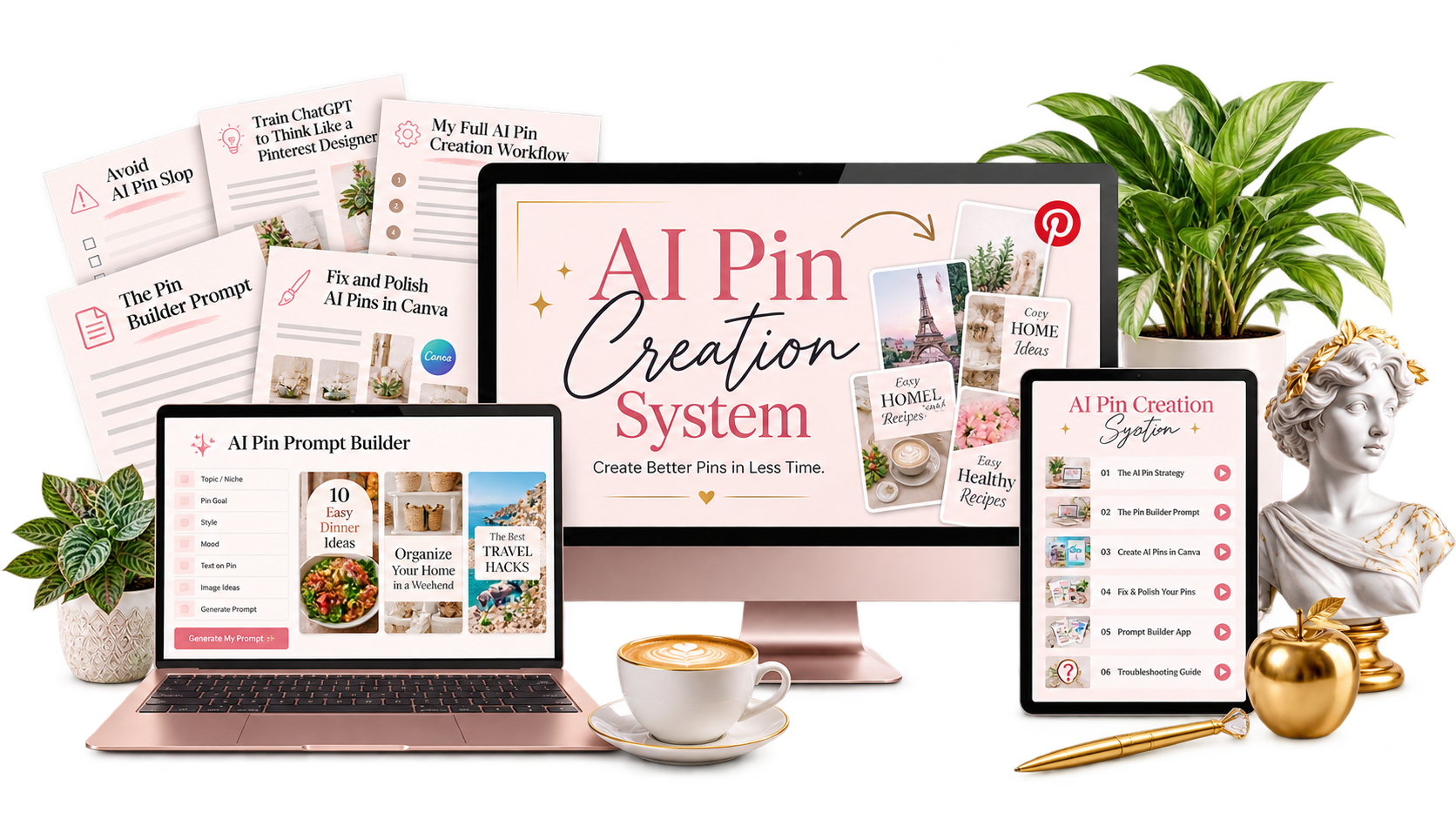
You've got blog posts, products, and offers worth sharing. This mini-course teaches the ChatGPT workflow I use to turn them into Pinterest pins fast.
No extra purchase required.
Claim your free access
Your Spellbook coupon is already applied. Fill in the form to get the course.
Made with the system
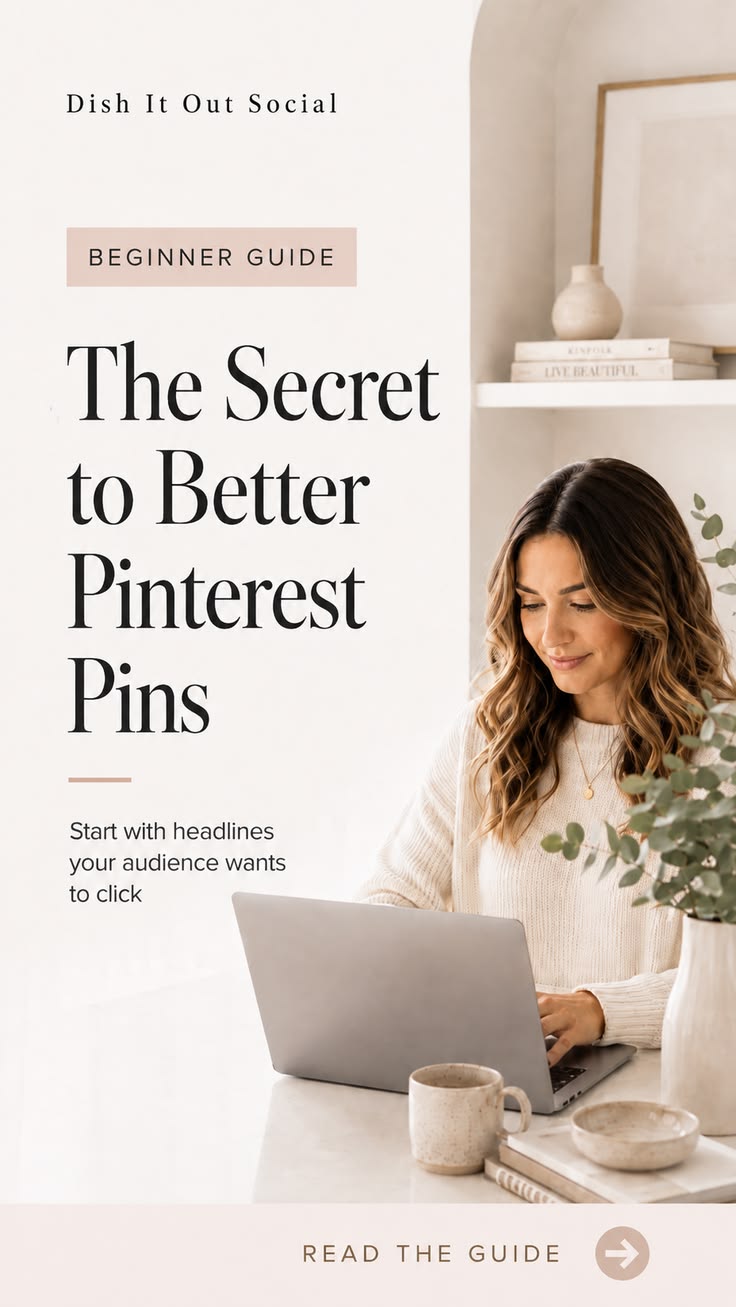
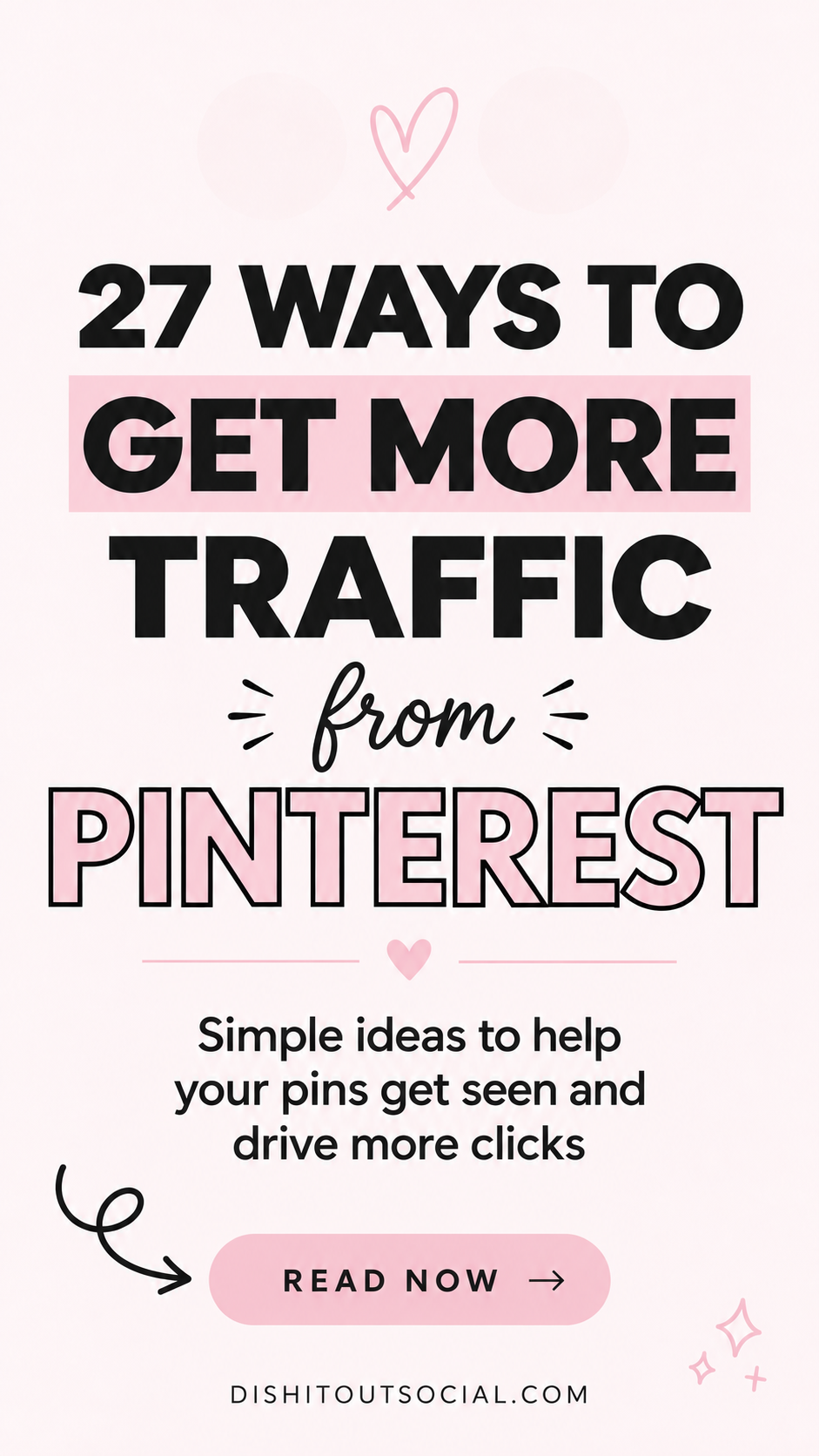
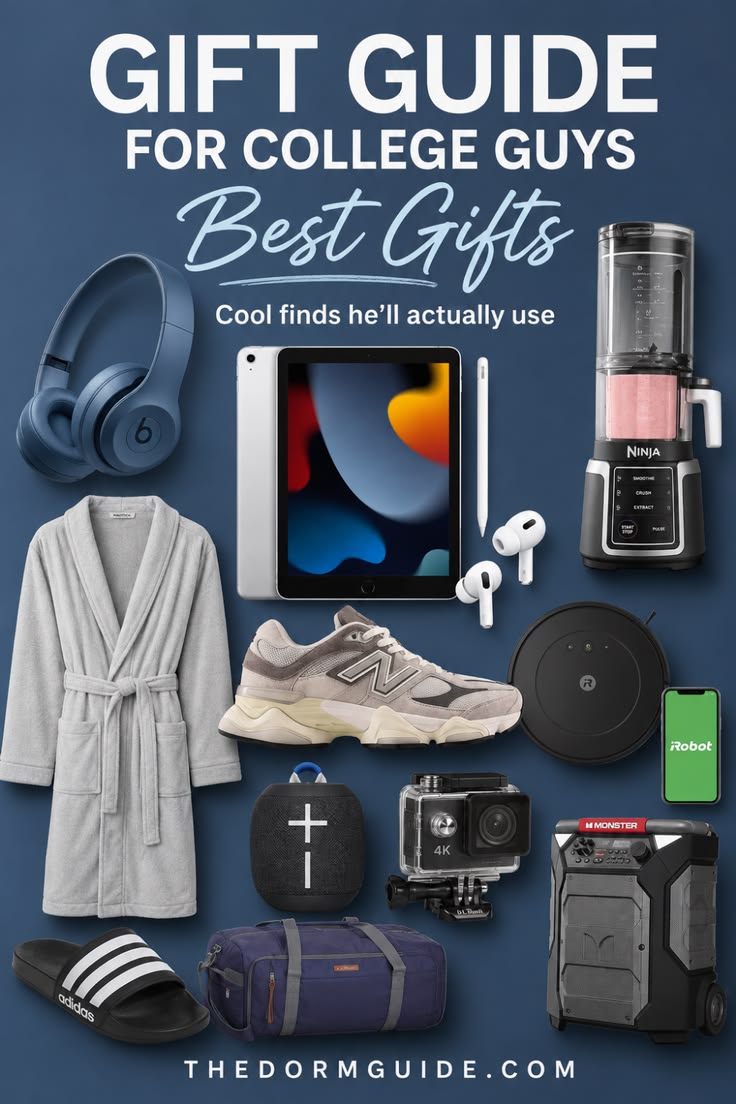
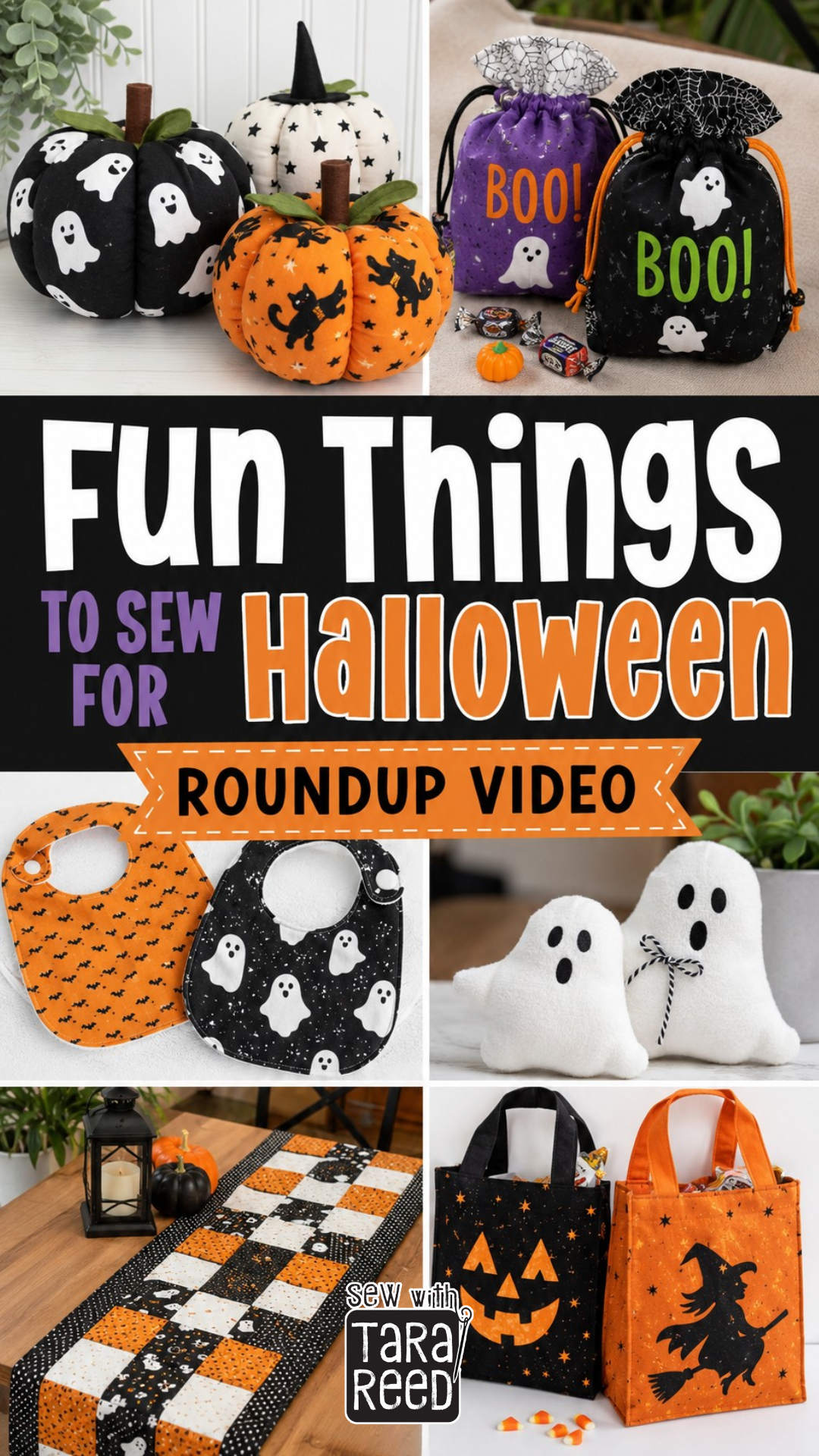
A few pins made with the system
Minimalist, bold, collage, grid. Same system, four different looks.
What's in the course
5 short lessons. Pins you're proud to post.
Each lesson is short enough to finish over coffee, so you can put it to work the same day. Video and text, no filler.
- 01
How to avoid “AI pin slop”
You'll learn to spot the tells that make a pin scream “AI made this” and get scrolled right past. Once you see them, you can't unsee them, and your pins start looking like a real designer made them.
- 02
Train ChatGPT to think like a Pinterest designer
Pull design direction from your best pins and the top accounts in your niche, so every idea ChatGPT hands you already fits what's working on Pinterest.
- 03
My full AI pin creation workflow
Watch me turn one piece of content into a batch of polished, ready-to-post pins. As you follow along, you'll notice how much of your old process you get to skip.
- 04
The Pin Builder prompt (done for you)
Copy it, paste it, and watch on-brand pin concepts show up in seconds. I already did the prompt writing, so you go straight to the fun part.
- 05
How to fix and polish AI pins in Canva
The quick edits that take a pin from “almost” to “oh, that's good.” A few minutes in Canva and your pins look clean, intentional, and ready to earn the click.
Plus 2 bonus tools
Extras that make it even easier
Prompt Builder app
Answer a few quick questions and it writes your ChatGPT prompt for you. Perfect for the days your brain is fried.
Troubleshooting guide
Weird hands, off colors, or a pin that still feels generic? Look it up, fix it fast, and keep going.
Hi, I'm Kyla.
I used to make pins one URL at a time. Same prompts, over and over, then off to Canva to fix whatever the AI did to my text.
So I built a better workflow, and it gave me back hours I now spend on the parts of my business that actually need me. This mini-course walks you through the whole thing.
Your November upgrade is included
Grab the current version now. When the new version launches in November 2026, you'll get it automatically at no extra cost.
A few quick questions
Is it really free?
Yep. Your Spellbook Bundle coupon is already applied to the form above, so there's nothing extra to buy.
Which AI tool does it use?
It's built for ChatGPT.
Can I use a free ChatGPT account?
Yes. You'll just get smaller batches, or pauses when you hit the free plan's limits. On a paid plan you can make up to 10 pins per batch, depending on your image-generation limits.
Do I need any other paid tools?
Nope. A free Canva account is handy if you want to tweak your pins, but it's optional.
How do I get access after I claim it?
Right after you sign up, you'll get an email with your login info. The course lives in my course portal, so you can log in and start whenever you're ready.
Make your next batch of pins the easy way
Free for Spellbook Bundle members. Takes about a minute to sign up.
Get the system