Stop wasting hours creating Pinterest pins.
Train ChatGPT to design Pinterest pins that look like you made them. Your fonts, your colors, your blog post. You direct. It designs.
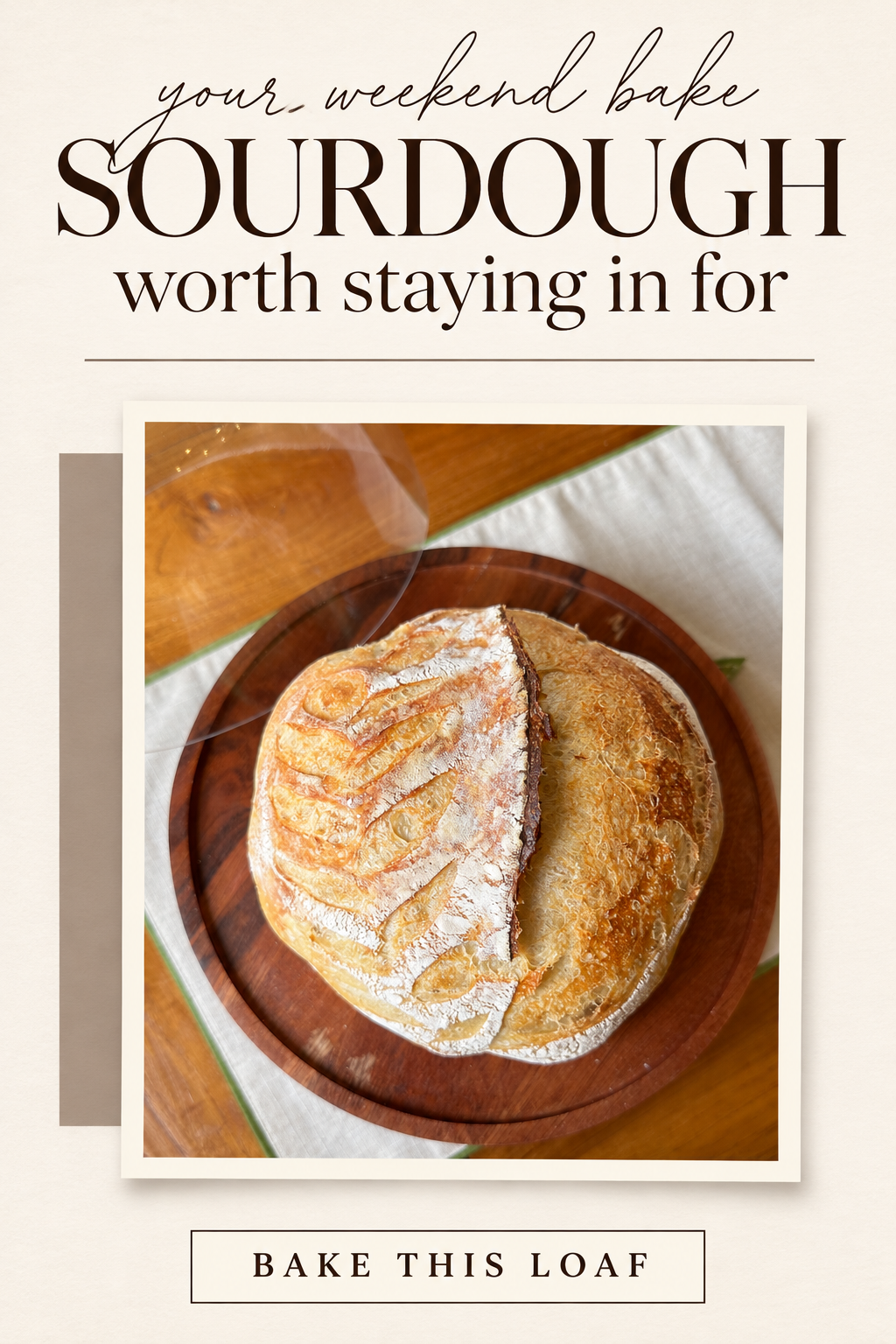
"Make 3 pins from yourblog.com/sourdough in my brand style."
the whole ask.
Feed it a blog post.
Watch the pins show up.
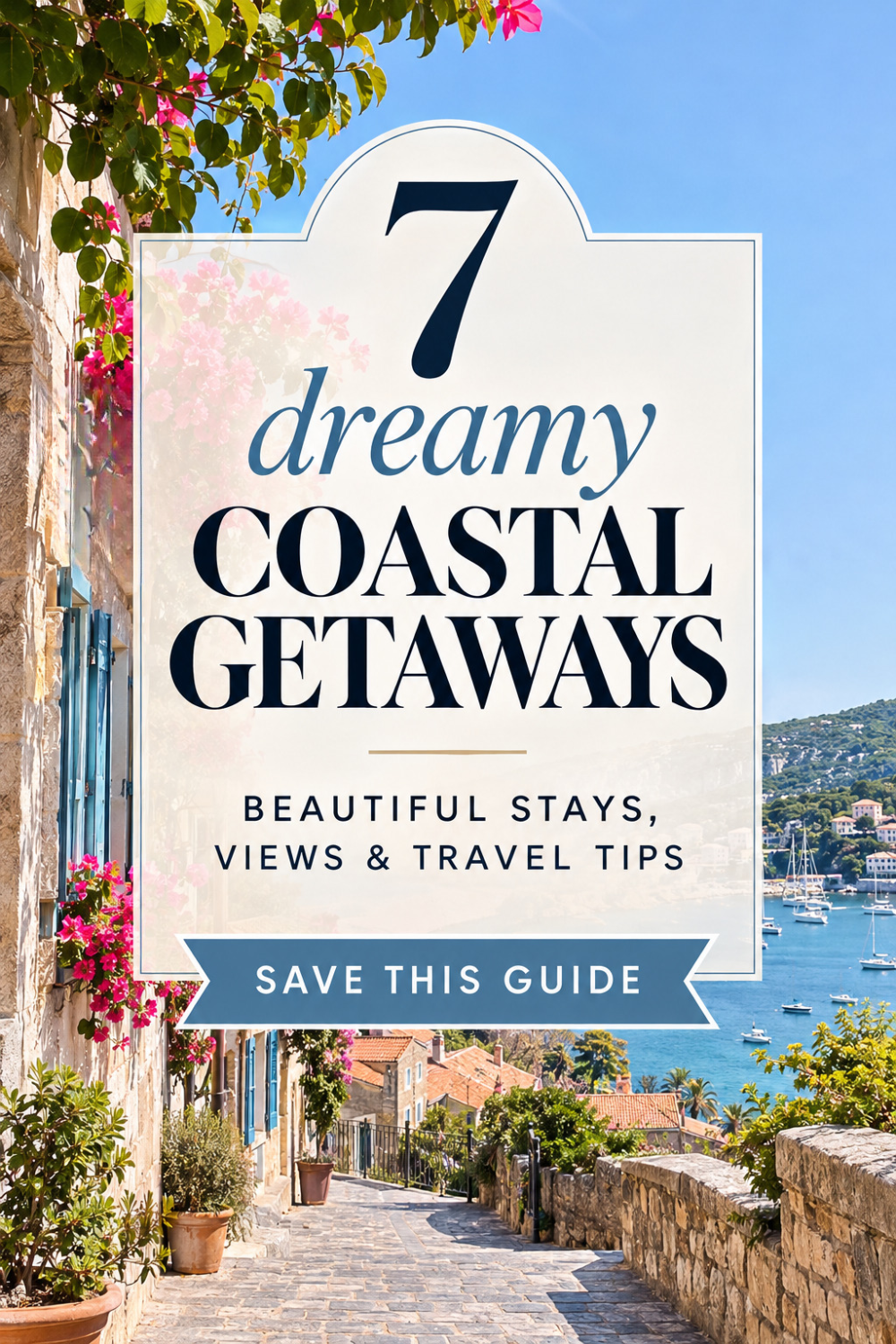
Drop in a blog post. Your trained ChatGPT designer turns it into pins with different headlines and layouts, all in your brand.
drops in here ↓ yourblog.com/
sourdough-for-beginners
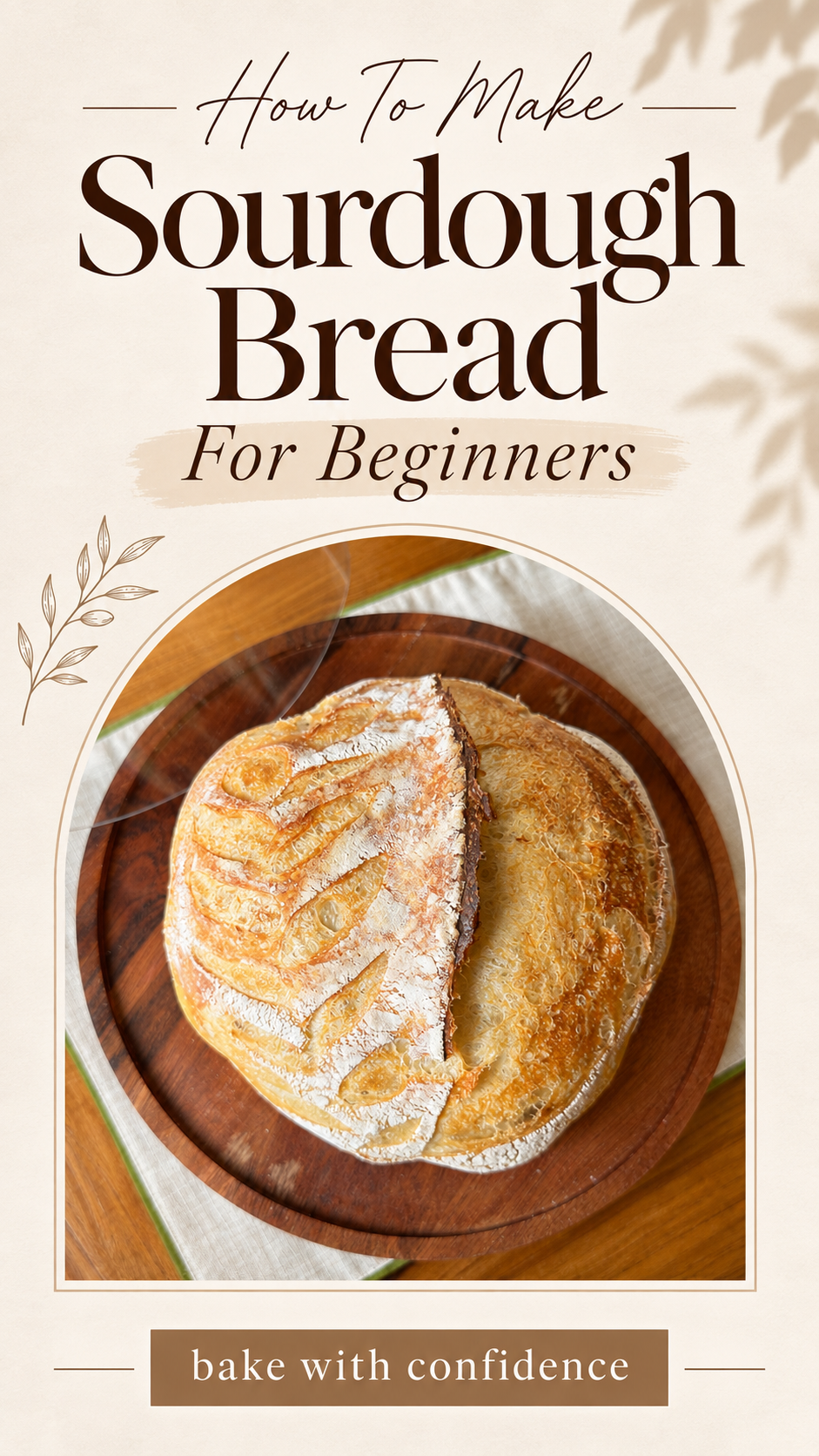
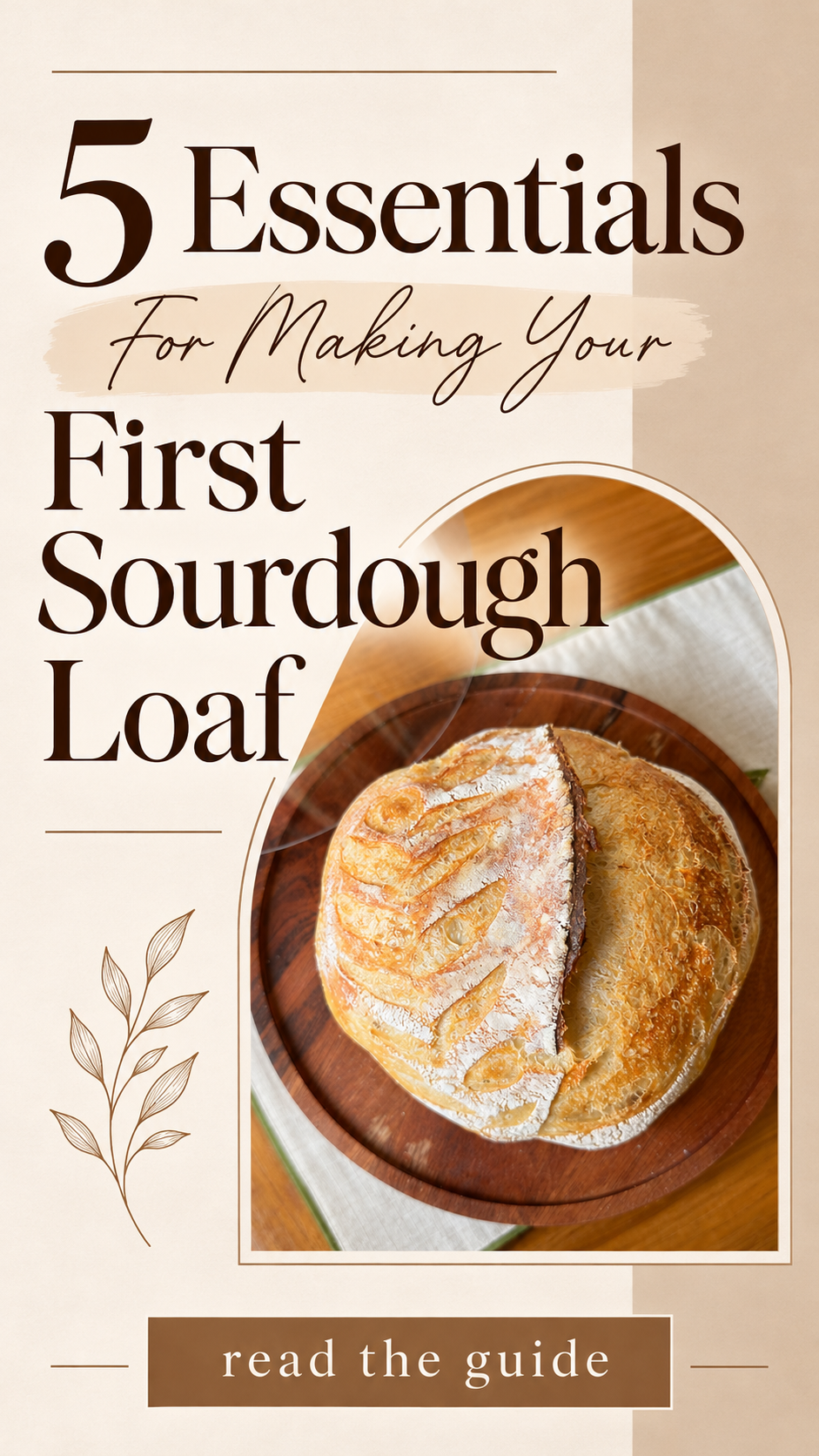
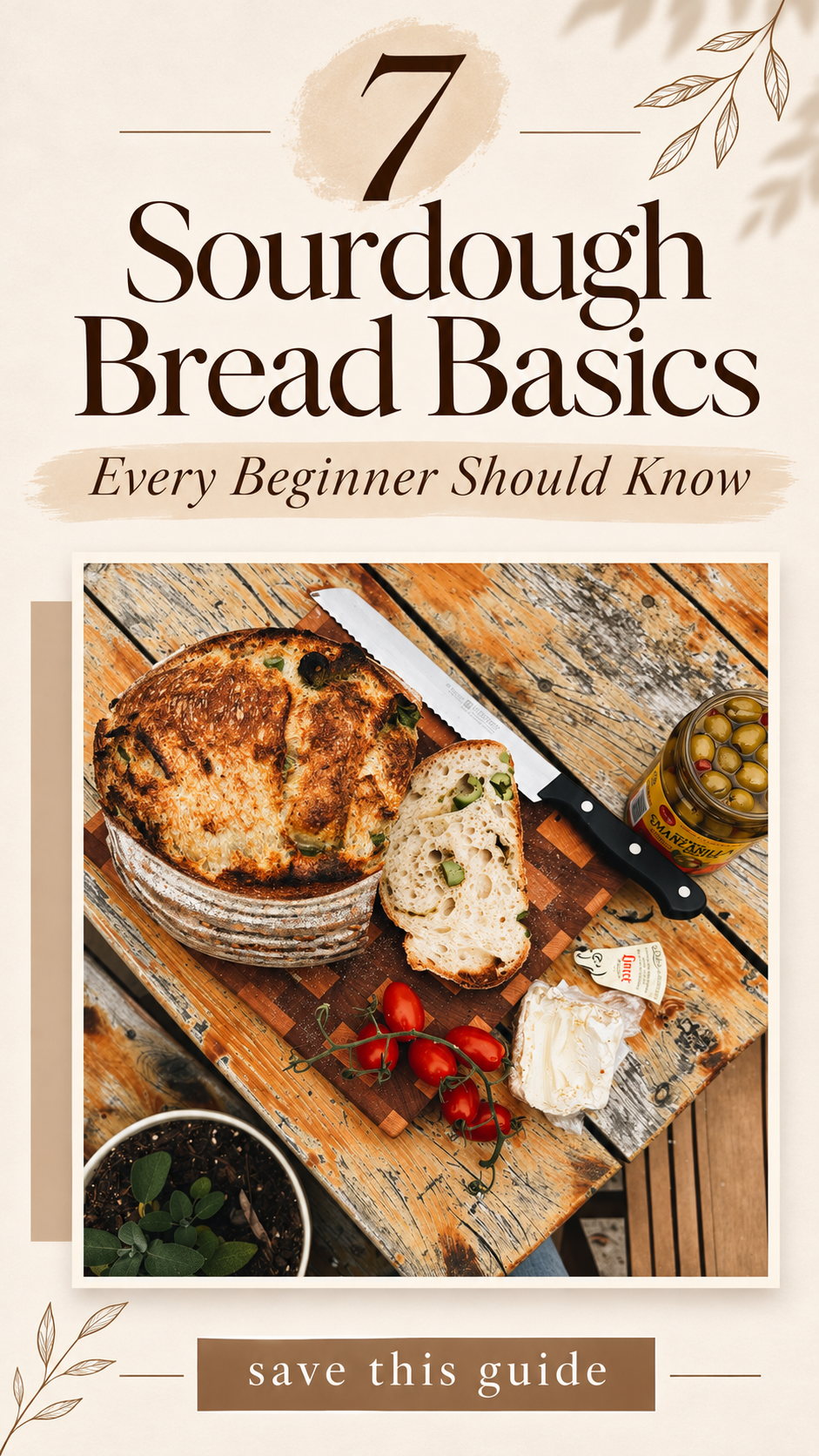
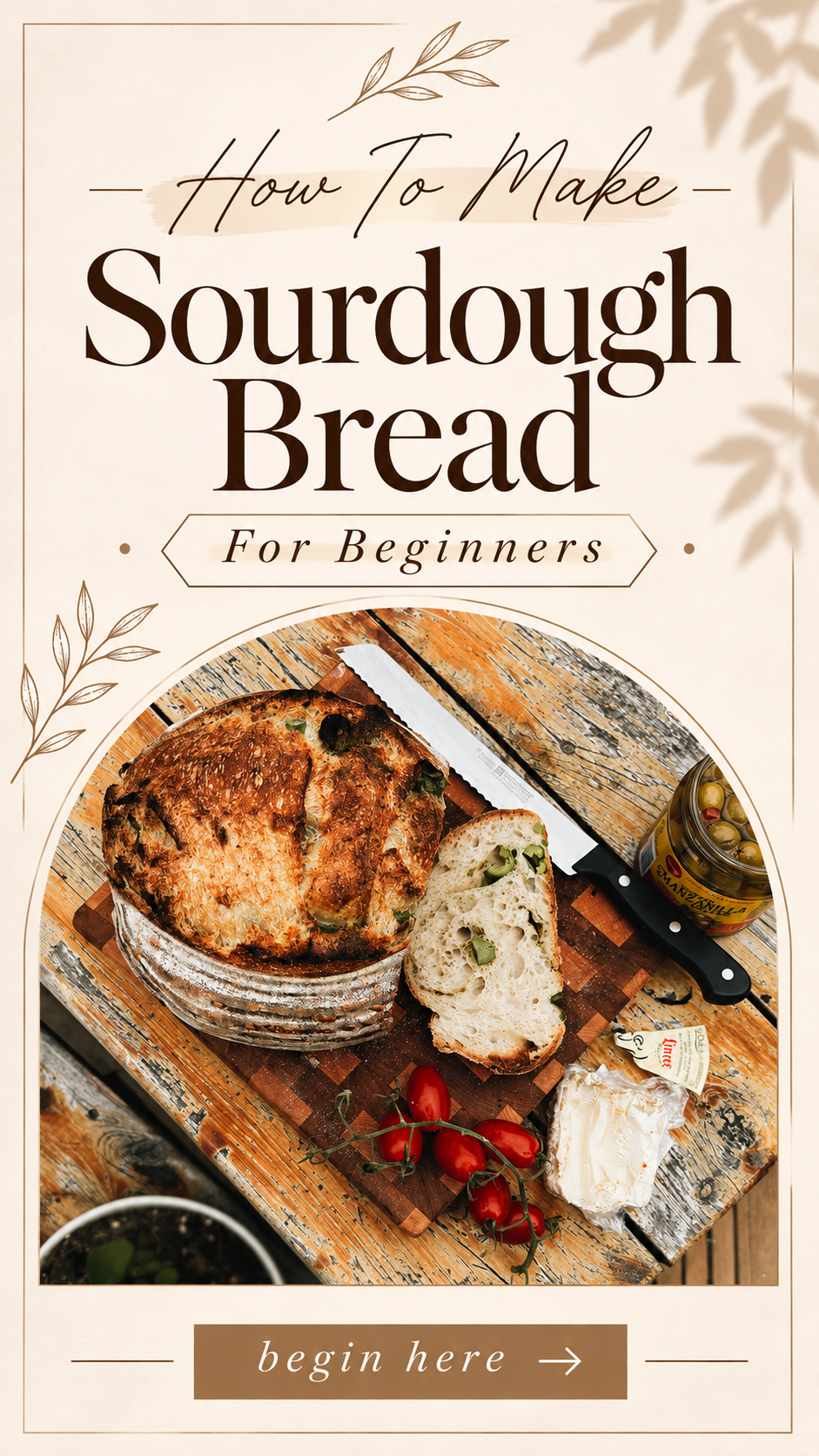
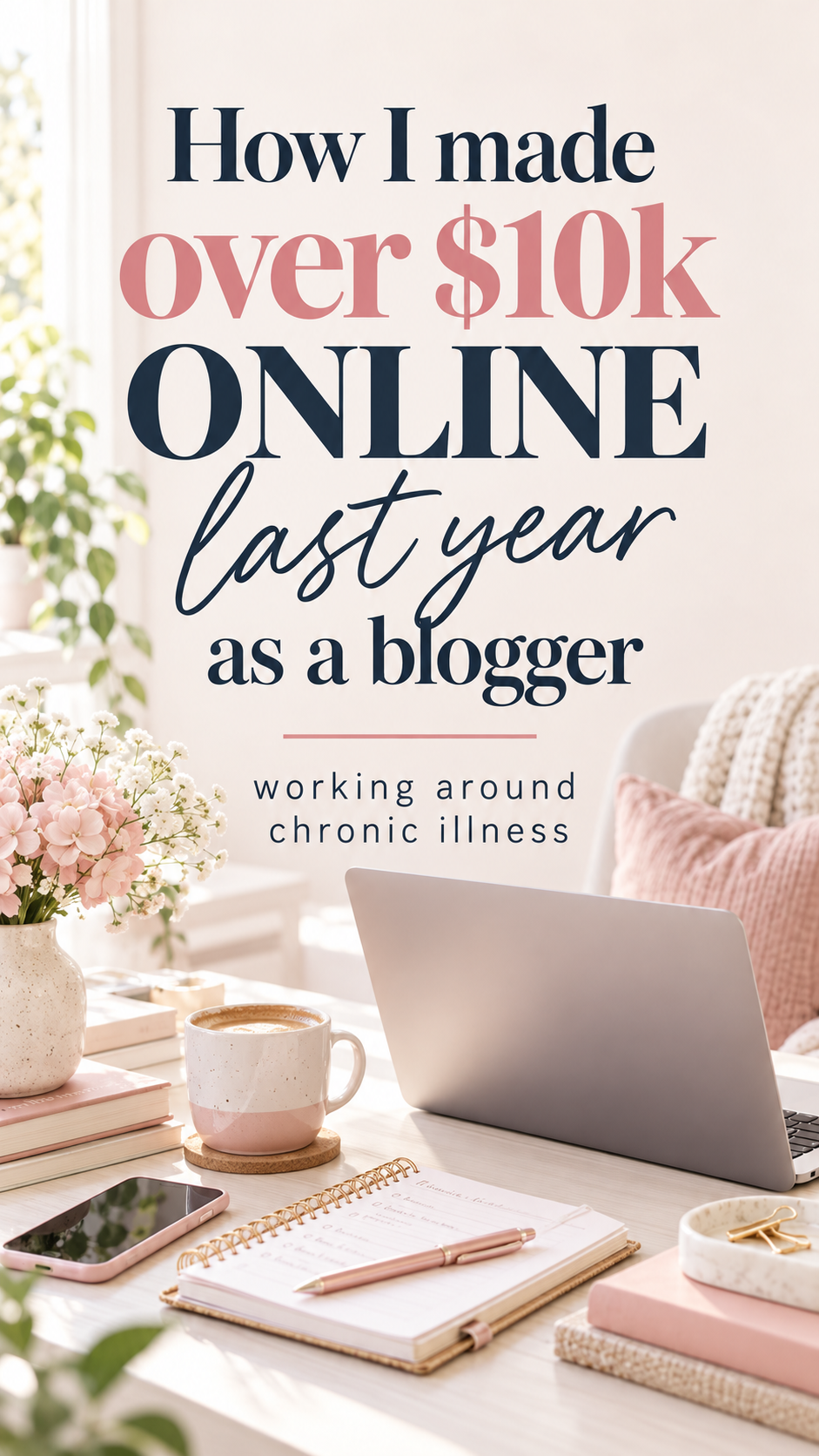
hearts. ooh, that
looks like me.
AI pins are easy. Pins that look like yours take a system.
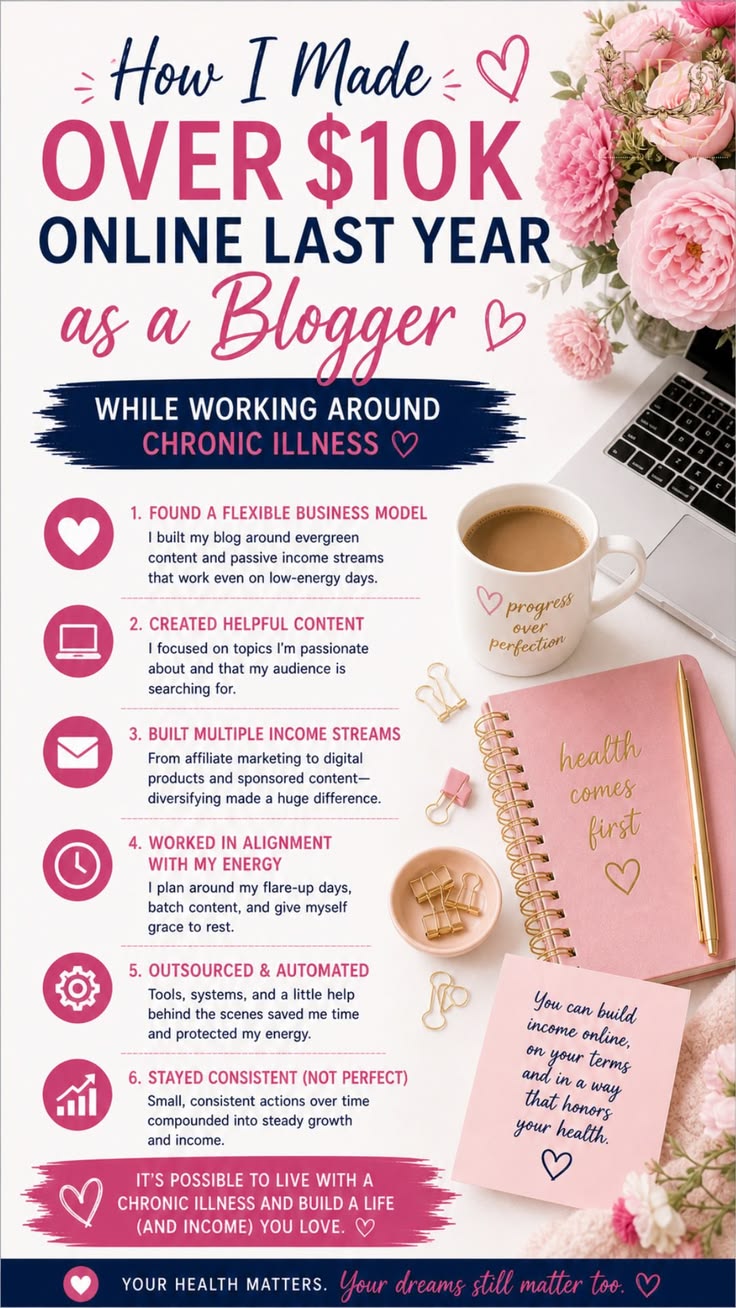
Ask ChatGPT for "a Pinterest pin" and you get the thing on the left. A wall of words, icon lists, brush strokes and hearts everywhere. It looks exactly like every other AI pin in the feed.
The one on the right uses the basics of good pin design: one idea, a headline you can read in a second, and room to breathe. Drag the slider. That's what Lesson 1 fixes.
- Too many wordsA 6-point list nobody reads at scroll speed
- Icons on iconsA little circle icon next to every single line
- Doodle overloadBrush strokes, sparkles and hearts on everything
- Same templateBold caps + a script word + a cozy photo, every time
Everything you need to train your designer.
5 short lessons, each one a video plus a written version so you can watch or skim. Most people could finish it in an afternoon and make their first batch that night.
- 01
How to avoid “AI pin slop”
You'll learn to spot the tells that make a pin scream “AI made this” and get scrolled right past. Once you see them, you can't unsee them, and your pins start looking like a real designer made them.
- 02
Train ChatGPT to think like a Pinterest designer
Pull design direction from your best pins and the top accounts in your niche, so every idea ChatGPT hands you already fits what's working on Pinterest.
- 03
My full AI pin creation workflow
Watch me turn one piece of content into a batch of polished, ready-to-post pins. As you follow along, you'll notice how much of your old process you get to skip.
- 04
The Pin Builder prompt (done for you)
Copy it, paste it, and watch on-brand pin concepts show up in seconds. I already did the prompt writing, so you go straight to the fun part.
- 05
How to fix and polish AI pins in Canva
The quick edits that take a pin from “almost” to “oh, that's good.” A few minutes in Canva and your pins look clean, intentional, and ready to earn the click.
Okay, but what about...
The stuff that usually stops people from starting. Let's clear it up.
If you can type a text message, you can do this. I walk you through every click.
You'll learn the exact tells (hi, icon lists and brush strokes) and how to train them out before you make a single pin.
The free plan caps how many images you can make a day. You might just batch over 2 days.
Canva is only for optional polish. Plenty of pins are ready to post straight from the chat.
A couple of colors and a pin you love is enough to start. ChatGPT builds from there.
Lifetime access includes every future lesson update. You don't pay twice.
Kyla
Generic prompts make generic pins. This one learns your brand.
This is the process I use for my own pins and for client accounts, packaged up so you can run it yourself.
Get it for $67 →go make something pretty. xx Kyla
For bloggers who'd rather write than design.
raise your hand if...
- Your blog posts are done. The pins for them... aren't.
- You open Canva, duplicate a template, and lose an hour.
- You tried AI pins once and they looked like a screensaver.
- You'd hire a designer, but that's not in this month's budget.
Short list. You probably have all of it already.
See how much time you'd get back.
Slide these to match your real week. Be honest about the minutes (we both know it's more than 5).
Your pin week
Drag the sliders. The numbers on the right update as you go.
Estimates only, based on 4.33 weeks a month and 3-hour afternoons. Your results depend on your tools, your templates and how picky you are.
One payment. Everything in the box.
Everything below is yours for one payment. No subscription, no upsell to unlock the good part.
Get it for $67 → $67 once · lifetime access · free updatesSame system.
Every kind of pin.
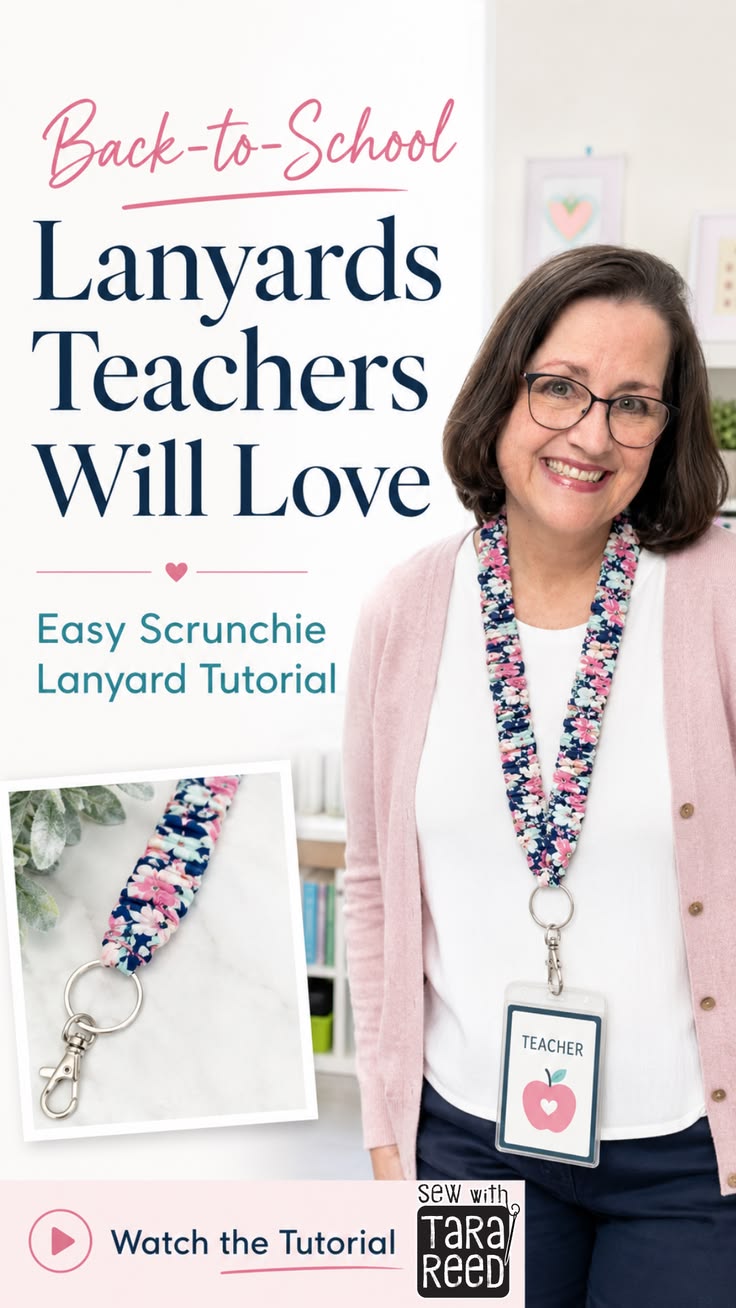
Travel, recipes, parenting, blogging, game day, sewing. Your niche changes the content. The workflow stays the same.
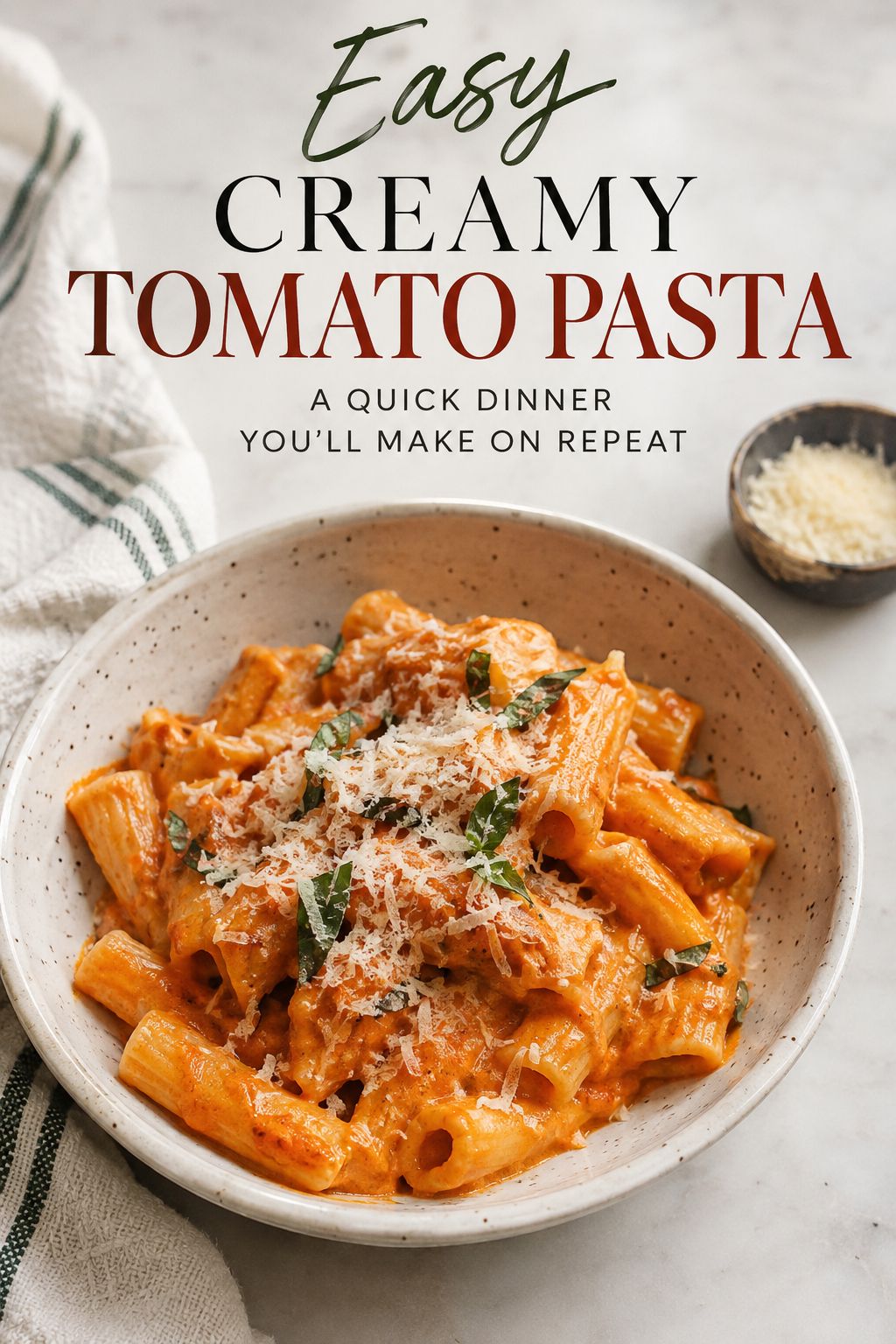
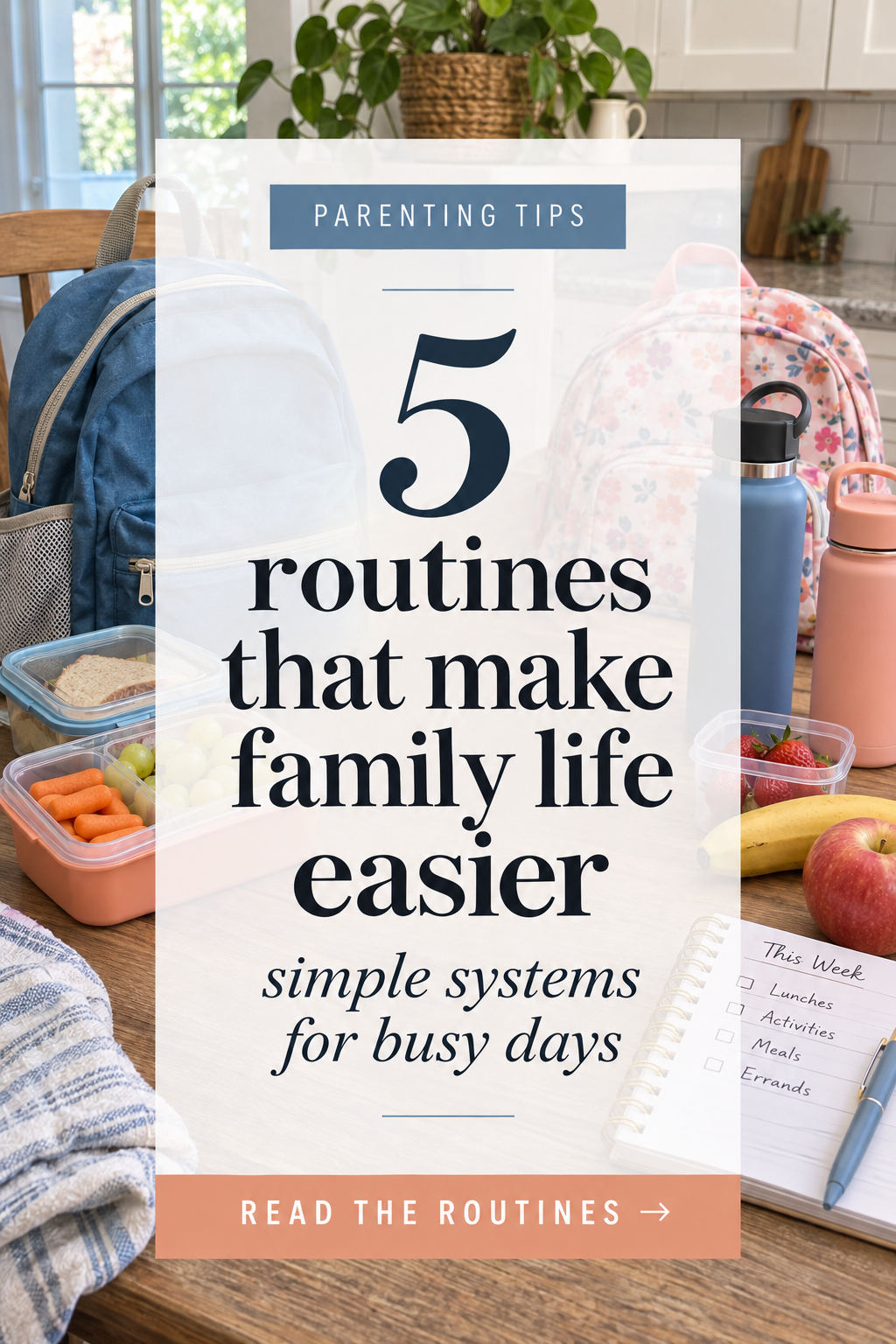
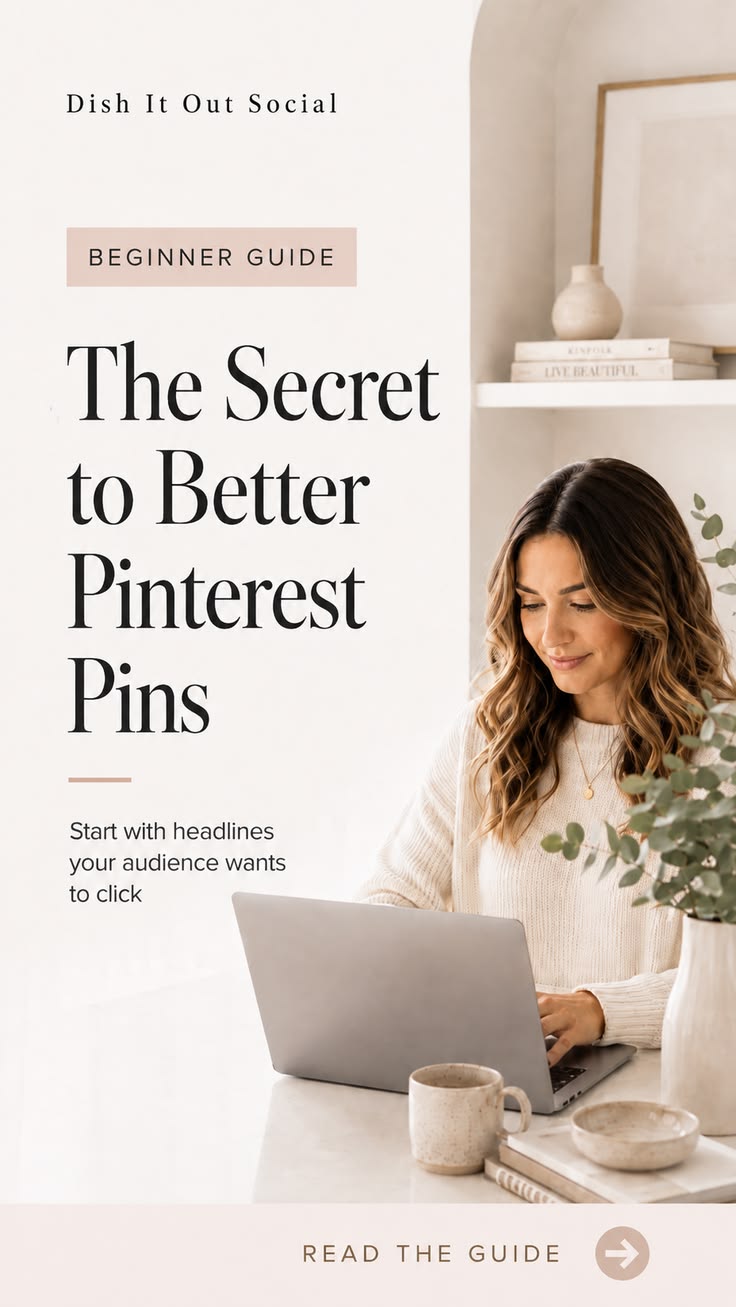
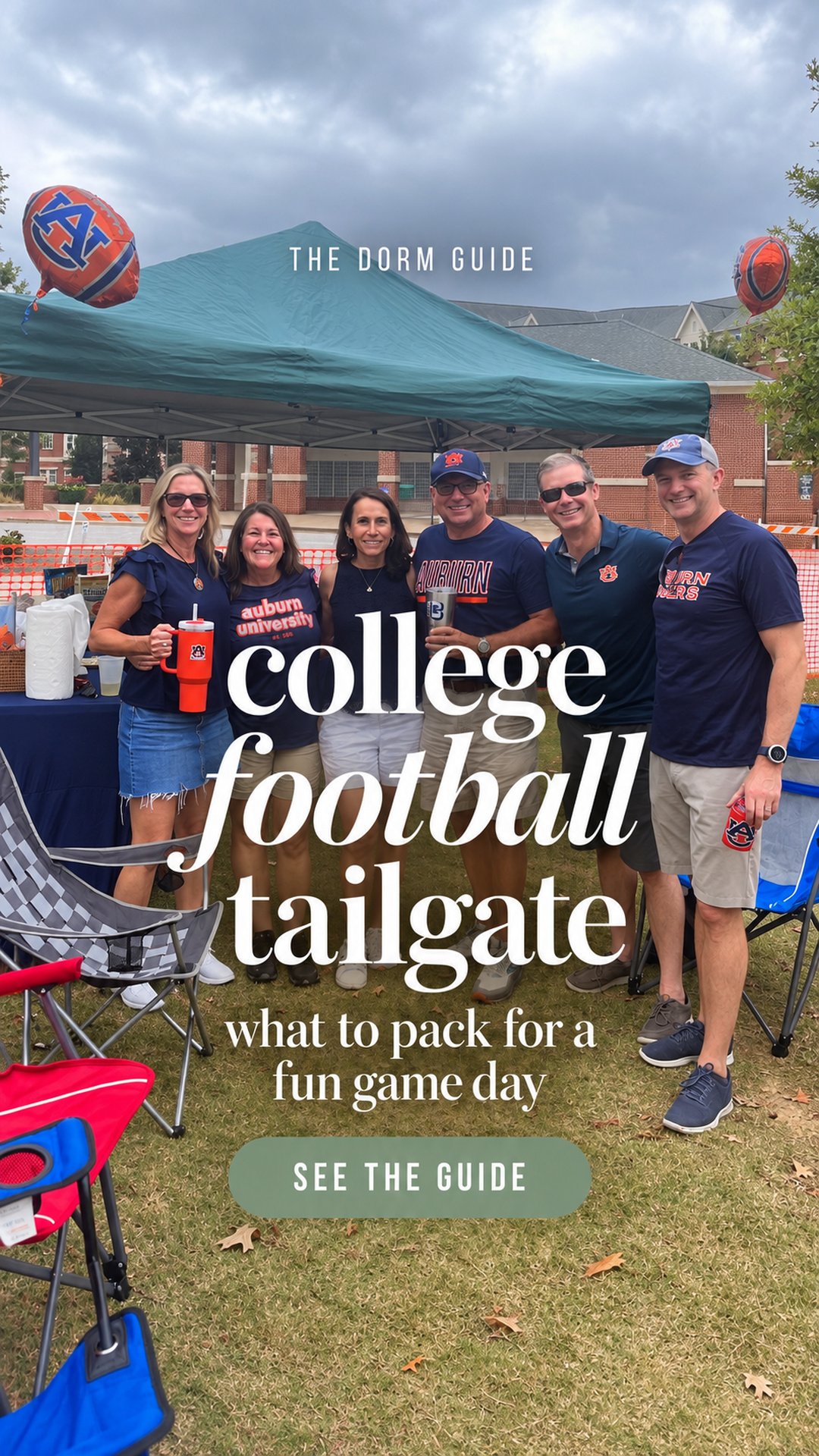
I wanted a designer. I kept getting another task.
I've been doing Pinterest for 10+ years, for my own business and for client accounts. Which means I've made a truly silly number of pins.
When AI image tools got good, I thought I'd finally found the shortcut. Then I spent half my time re-typing instructions and dragging the results back into Canva to fix them.
So I started treating ChatGPT like a new designer who needed a proper brief. My brand rules, my content, my taste. Then review, tweak, post.
That process is the AI Pin Creation System. It's the one I actually use.
xx Kyla
Your system keeps getting better.
Buy once and everything I add later shows up in your account. No upgrade fee.
Before you hit buy.
Is this a course or will you make my pins?
It's a course. You'll learn the workflow and get the prompts to run it yourself. I won't be making the pins for you.
Will every pin come out perfect?
Nope. You'll still look over what it makes and ask for a tweak now and then. The Troubleshooting Guide covers the usual hiccups, like weird hands or off colors, so they take seconds to fix.
Can I use free ChatGPT?
Yes. The free plan limits how many images you can make in a day, so you might hit the cap mid-batch. A paid plan gives you more room, but you don't need one to start.
Do I need Canva?
No. Lesson 5 shows you how to polish pins in Canva if you want to, and a free account works fine. Lots of pins are ready to go straight from ChatGPT.
I've never designed anything. Will this work for me?
That's who I made it for. You describe what you like in plain English, and the prompts handle the design thinking.
When do I get the Skill Builder?
The AI Pin Production Skill Builder launches in November 2026. Buy the system now and it shows up in your account automatically, no extra cost.
How long do I have access?
Forever, including any updates I make to the lessons as the AI tools change.
Can I get a refund?
All sales are final because this is a digital product. If you have any hesitation, email me at kyla@dishitoutsocial.com before you buy and I'll help you decide if it's a good fit.
Ready to meet your
new pin designer?
Secure checkout through ThriveCart · Questions? kyla@dishitoutsocial.com
see you on the other side of Canva. xx