 10 Pinterest skills for your AI
You don't have to be a Pinterest expert to market like one.
I took 10+ years of doing Pinterest marketing for a living and built it into the AI you already use. So you can make smarter calls and get your hours back, without hiring a strategist.
$127 one-time. Payment plans available. Doors close Monday, Nov 23.
Good morning. Here's what needs you this week.
and they all talk
to each other
Imagine sitting down to work on Pinterest and actually knowing what to do.
It's Monday morning. Coffee's hot. You open your AI to work on Pinterest.
Normally this is where you'd stare at a blank content calendar with 12 tabs open and a vague feeling you should probably make more pins.
But this time? You know exactly where to start.
You know which posts deserve attention this week, which keywords fit your business and where the easy wins are hiding.
Traffic dipped? You've got help figuring out why. Making new pins? You're writing angles that pull in the people you want, instead of rewording the same headline 10 times. Looking at your analytics? You know what the numbers mean and what to do about them.
Then you close your laptop and go run your business.
That's what Pinterest marketing should feel like. And it's why I built PinMode.
Less guessing. More getting it done.
Drowning in Pinterest advice and still not sure what to do?
Pin more. Pin less. Make fresh pins. Use these keywords. Chase the trends. Fix your boards. Watch your analytics. And now AI will hand you 50 more tips in 3 seconds flat.
So why does Pinterest still feel so damn complicated?
Because a list of everything you could do won't tell you what you should do. Maybe you've caught yourself wondering...
- Am I going after the right keywords, or wasting my time?
- Why are people seeing my pins but not clicking?
- Should I make more content or fix what I already have?
- How do I turn this traffic into something that actually pays me?
Here's the annoying part. The answer is different for everyone. Your audience, your goals and your account all tell their own story, so a one-size plan was never going to fit.
What you need is help figuring out what makes sense for your business.
Up until now, you had 2 options. So I made a third.
A Pinterest strategist in your back pocket.
PinMode is a set of 10 connected AI skills built on the way I've worked Pinterest for over 10 years. They handle the strategy side for you: setting up your account, picking keywords, writing content, reading your numbers and turning traffic into leads and sales.
And they work as a team. Your keyword research feeds your content. Your data feeds your decisions. Your Strategy Assistant pulls it all into one simple plan for the week, so you never have to wonder which tool to open next.
It's like having the strategy side of a Pinterest marketing team, minus the payroll.
Put PinMode to work today →The technology is AI.
The methodology is mine.
Your AI can already write a pin description and spit out keywords. But how do you know if it's any good? It sounds sure of itself either way, and that's hard to judge when you're still learning the platform yourself.
After 10+ years of managing accounts, testing content and digging through analytics, I know which questions to ask and what to look for. I built all of that into PinMode. So your AI follows a real Pinterest strategist's process instead of winging it.
Apparently, even Pinterest experts have blind spots
I've been doing Pinterest marketing for over 10 years. So when I ran PinMode on my own account, I figured it'd tell me stuff I already knew.
Nope.
I gave it my Pinterest analytics, my Tailwind pin data, my website and my business goals. Here's where things stood.
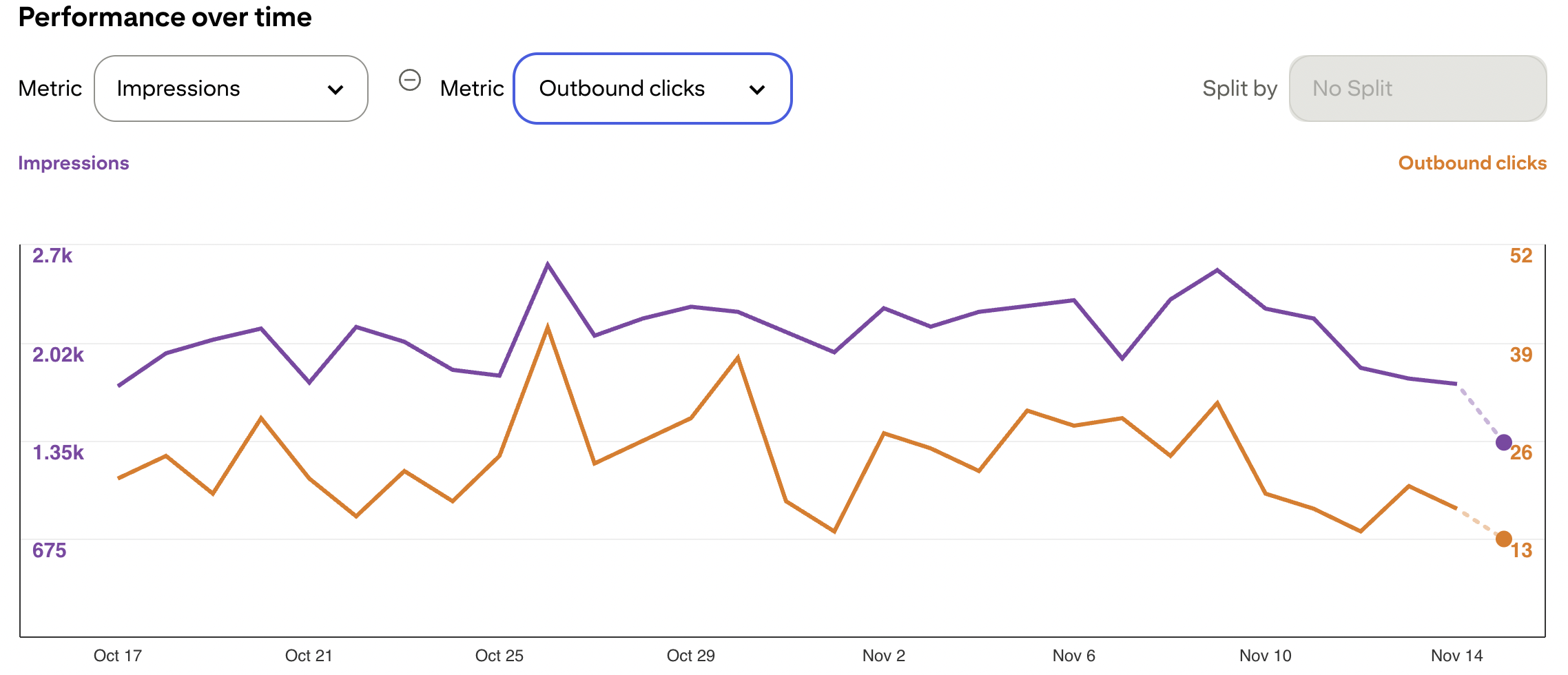
My first thought? I did something wrong. PinMode's answer: my pinning wasn't the problem. 72 pins went out in 30 days, and none of them failed.
Two old pins were carrying my account
One dropped from about 200 impressions a day to under 50. Together with one other aging pin, that was about half my entire drop.
My best board was getting ignored
Pinterest Ads and Promoted Pins had my highest click-through rate (2.0%), and I hadn't added a new pin to it in 30 days.
Two pins were going nowhere
One linked to gmail.com (?!). The other had no link at all.
My offer pins weren't pulling their weight
Not one pin pointing to an offer made my top 50 for outbound clicks. The winners were all "fix it" and list-style posts.
It even checked my experiments
I'd spent 30 days starting my pin titles with the board name. My top click pins mostly don't.
Then it built me a plan
Four moves, a six-week calendar and the exact numbers to watch, all built around my business.
here's the real report
(with my notes!)
Pinterest Growth Strategy: Winter 2026–27
Where things stand
Impressions are down 19% and outbound clicks down 37% since Nov 12. About half of that comes from two aging top pins, and the rest is a seasonal dip. Pinning consistency is not the problem.
| Metric | Oct 19 – Nov 11 (avg/day) | Nov 12 – 16 (avg/day) |
|---|---|---|
| Impressions | 2,128 | 1,722 |
| Outbound clicks | 24.6 | 15.6 |
| Outbound CTR | 1.16% | 0.91% |
Two pins carry too much. "How to Fix Your Pinterest Traffic Without Starting Over" fell from about 200 impressions a day to under 50 on Nov 12. "A Pinterest Marketing Strategy That Will Increase Your Traffic" has slid from about 110 to 54 since late October. Together they lost about 220 impressions a day.
Sources: Pinterest Analytics export (Oct 19 – Nov 18) and Tailwind analytics (Aug 21 – Nov 16).
I connected my paid Tailwind account so Claude could pull individual pin data.
The strategy at a glance
The goal through early January is to rebuild impressions from proven URLs instead of two aging pins, and be in place before the January rebound.
- 1. Refresh the proven winners · New designs for the 5 URLs that already earn clicks
- 2. Rebalance the queue · More list, roundup and "fix it" pins, fewer offer pins
- 3. Pivot to 2027 planning · New-year angles, pinned now (45 days of lead time)
- 4. Fix leaks, spread the risk · 59% of impressions come from 5 boards
Boards that click well but get little reach
| Board | Impressions (30 days) | Outbound clicks | CTR |
|---|---|---|---|
| Pinterest Ads and Promoted Pins | 980 | 20 | 2.0% |
| Pinterest for Bloggers | 647 | 9 | 1.4% |
| Pinterest Marketing Strategy (for comparison) | 14,315 | 175 | 1.2% |
Pinterest Ads and Promoted Pins got no new pins between Oct 19 and Nov 18, yet it has your best board CTR. Give it 2–3 fresh pins a week.
Look at that, I had no idea!
Fix leaks
Fix two broken pins today, then give a few boards outside your top 5 more fresh pins.
- Fix the link on "AI Pinterest Marketing Tool Built From Real Experience." It points to http://gmail.com/.
- Add a link to "Pinterest marketing checklist for beginners." It has none.
I would've had no idea I had 2 pins with broken or missing links.
A test worth running
Since late October, most titles start with the board name ("Pin Design - …"). Your top click pins mostly don't. For two weeks, write half of the new titles benefit-first, without the prefix, and compare outbound CTR.
Interesting... This was an experiment I've been running the last 30 days. Looks like it didn't help.
Week of Nov 18: fix and refresh
- Fix the two broken pins
- Design 4 pins for the 5-mistakes post with the new headlines
- Swap 3–4 queued offer pins for fresh designs
- Schedule the first 2 seasonal pins
Week of Nov 25: Thanksgiving, light week…
Now imagine sitting down to work on your Pinterest and getting this kind of direction for your account.
Okay, but what else does it actually do?
I ran two more PinMode skills on my own blog. Here's what came back.
Stop making 10 versions of the same pin.
I gave it my post Pinterest for Beginners: The Simple Guide to Growing in 2026. Instead of rewording the title, it found different reasons a beginner would click.
Pinterest for Beginners: The Simple Guide to Growing in 2026
Plain AI headlinesPinterest for Beginners Guide
How to Use Pinterest for Beginners
Beginner Pinterest Tips
Same post. 4 different reasons to click.
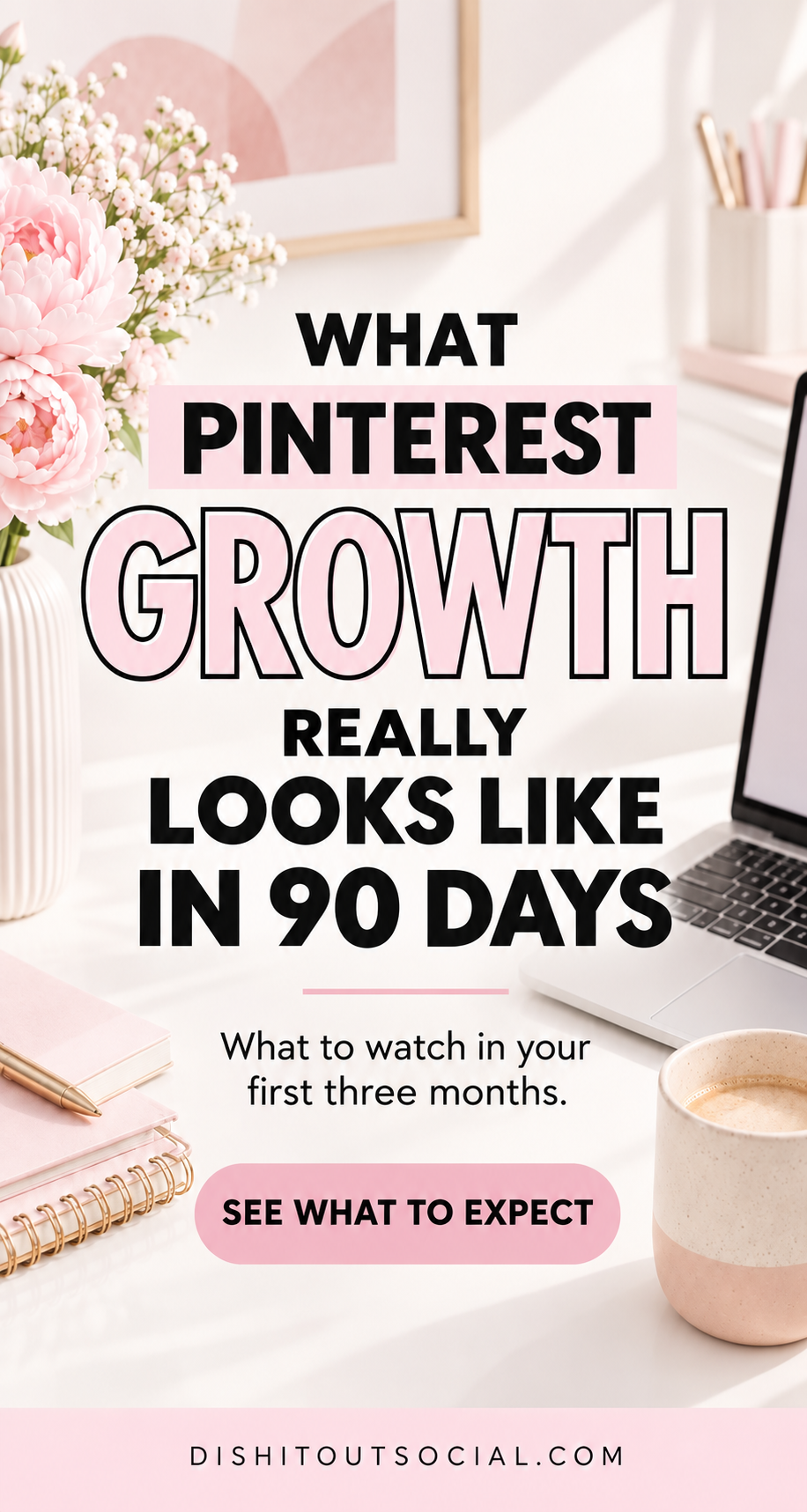
Then I turned 3 of them into pins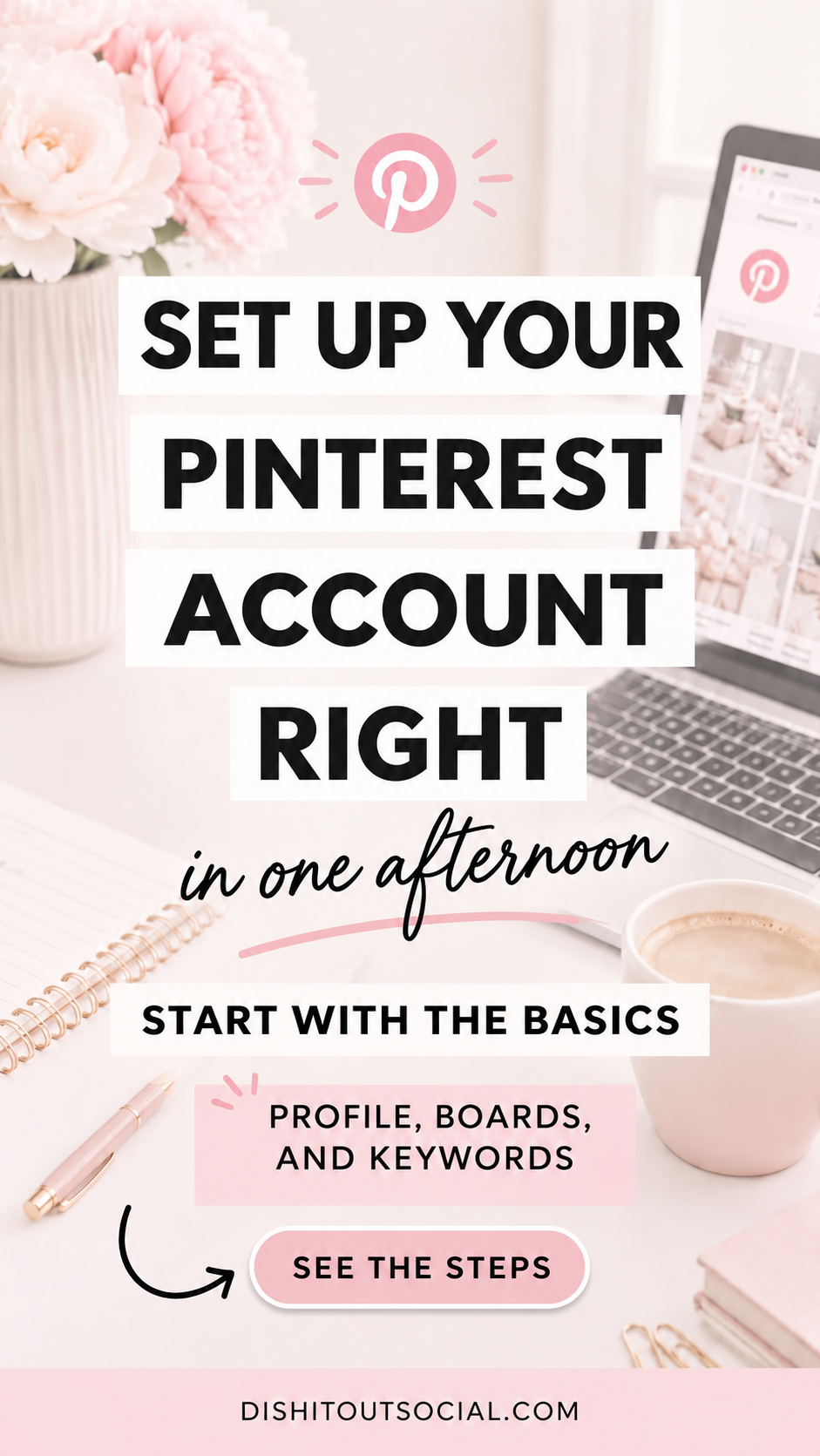
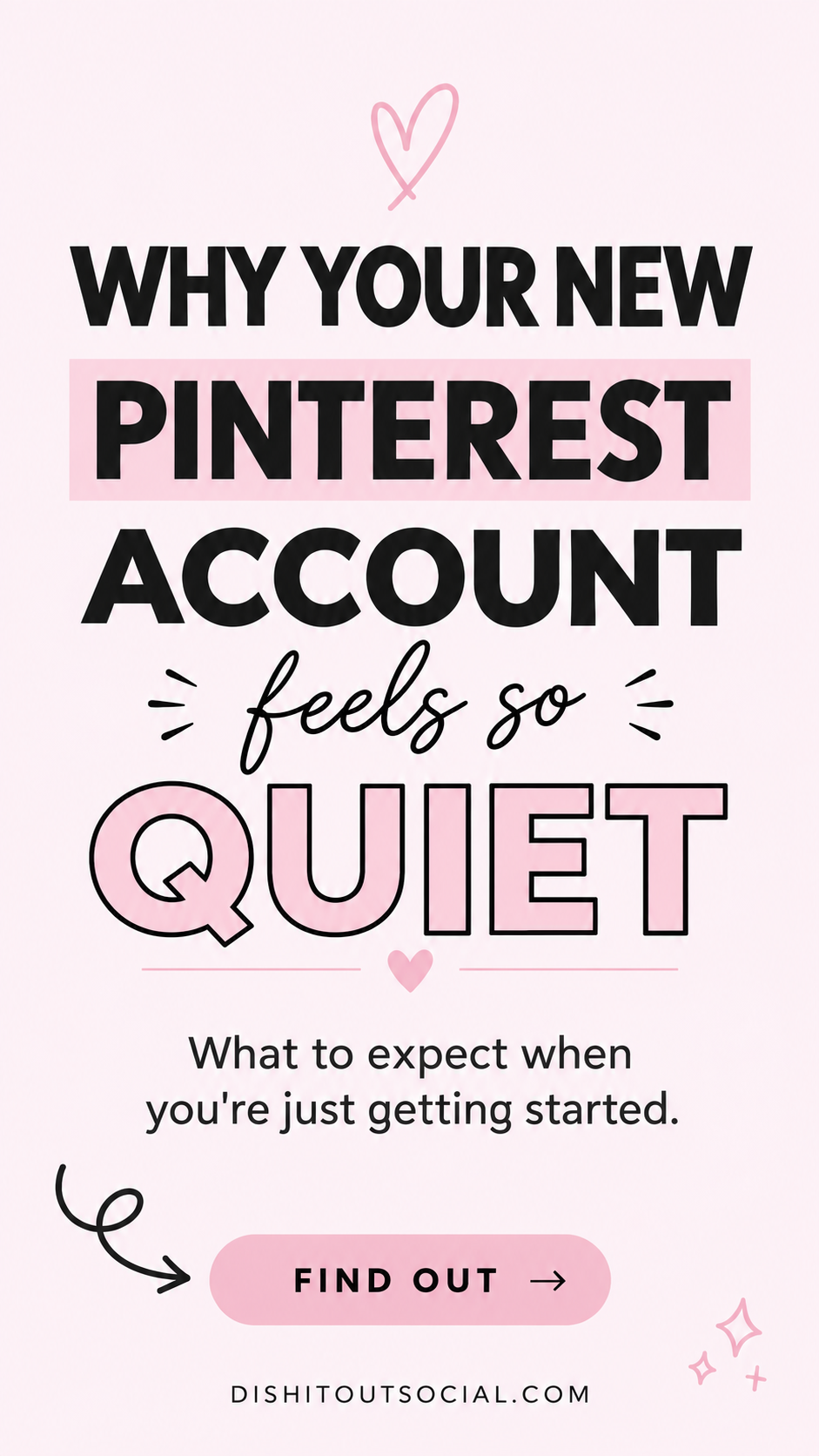
Give your Pinterest traffic somewhere to go.
The Funnel Builder mapped my beginner's guide into a path that ends in a sale. Goal: turn beginner readers into PinMode buyers.
Beginner angles pointing to the Pinterest for Beginners guide
The quiz: What's Blocking Your Pinterest Growth?
A short series based on their quiz result, one fix at a time
PinMode, so their AI handles the rest
Every step has a job, from first click to first sale.
10 specialists. 1 strategy.
Using AI for marketing usually ends with a pile of random chats. Keywords in one. Pin copy in another. Analytics somewhere you can't find anymore.
PinMode keeps them connected. Every skill works from your Pinterest Account Context, so they all know your business. They pass what they learn down the line, and your Strategy Assistant pulls it together into your next move.
Pinterest Account Context
Your business + your account, in one place
Pinterest Strategy Assistant
Pulls it all together and tells you what to work on this week.
Meet your new Pinterest marketing team.
Grab one when you need help with something specific, or run them together as a system. Here's who's on the team.
The thing that keeps it all connected.
Pinterest Account Context
Holds your account and business details, so every other skill knows who you are and what you're working toward. Set it up once.
The resultYour skills work together like a team.
Get found in search.
Profile Auditor
Wondering if your account is set up right? Get a score and a short list of what to fix first.
ResultYou know where you stand.
Board Builder
Board names built around your niche and your keywords, so people searching can actually find them.
ResultBoards that pull their weight.
Keyword Analyzer
Stop collecting keyword lists you never use. Figure out which search terms are worth going after.
ResultA keyword plan you'll actually use.
Pins with a plan behind them.
Content Angle Generator
New ways to pitch the posts you already have, based on what people search for and why they'd click.
ResultFresh pins without writing new posts.
Pin Title Writer
Titles that hit your keyword and still sound like something a human wants to click.
ResultGood titles, fast.
Pin Description Writer
Clear descriptions with the right keywords worked in naturally, so they read like you wrote them.
ResultPin SEO, handled.
Make Pinterest pay off.
Funnel Builder
Map the whole path, from the pins that bring people in to the freebie and emails that lead them to your offer. It walks you through the strategy and the copy, one step at a time.
ResultPinterest traffic that turns into subscribers and sales.
Also sold on its own for $27.Data Analyst
Makes sense of your numbers, figures out why things changed and spots the openings worth chasing.
ResultYou know what to do next.
Bring it all together.
Pinterest Strategy Assistant
Your guide through the whole system. It reads what your other skills found, helps you set priorities and tells you which skill to grab during your 1-hour week.
The resultA clear direction every week, and someone to think it through with.
Never stare at a blank chat box.
60+ ready-to-use prompts
Copy, paste and go. Prompts for every PinMode skill, so you always know exactly what to ask, whether you've got 5 minutes or a whole hour.
The resultYou get great answers from day 1, even if you've never written a prompt in your life.
Pinterest should fit around your business.
You didn't start a business to become a Pinterest SEO nerd (that's my job). Pinterest is supposed to support the business, and it doesn't need half your week to do it.
So PinMode comes with a guided 1-hour weekly workflow. Your Strategy Assistant tells you what needs attention and which skill to use. Some weeks you'll only open 2 of them, and that's fine. It's a simple routine you can keep coming back to.
that's the whole week.
Example week. Your priorities and timing will depend on your account. Pin design, scheduling and first-time setup take extra time.
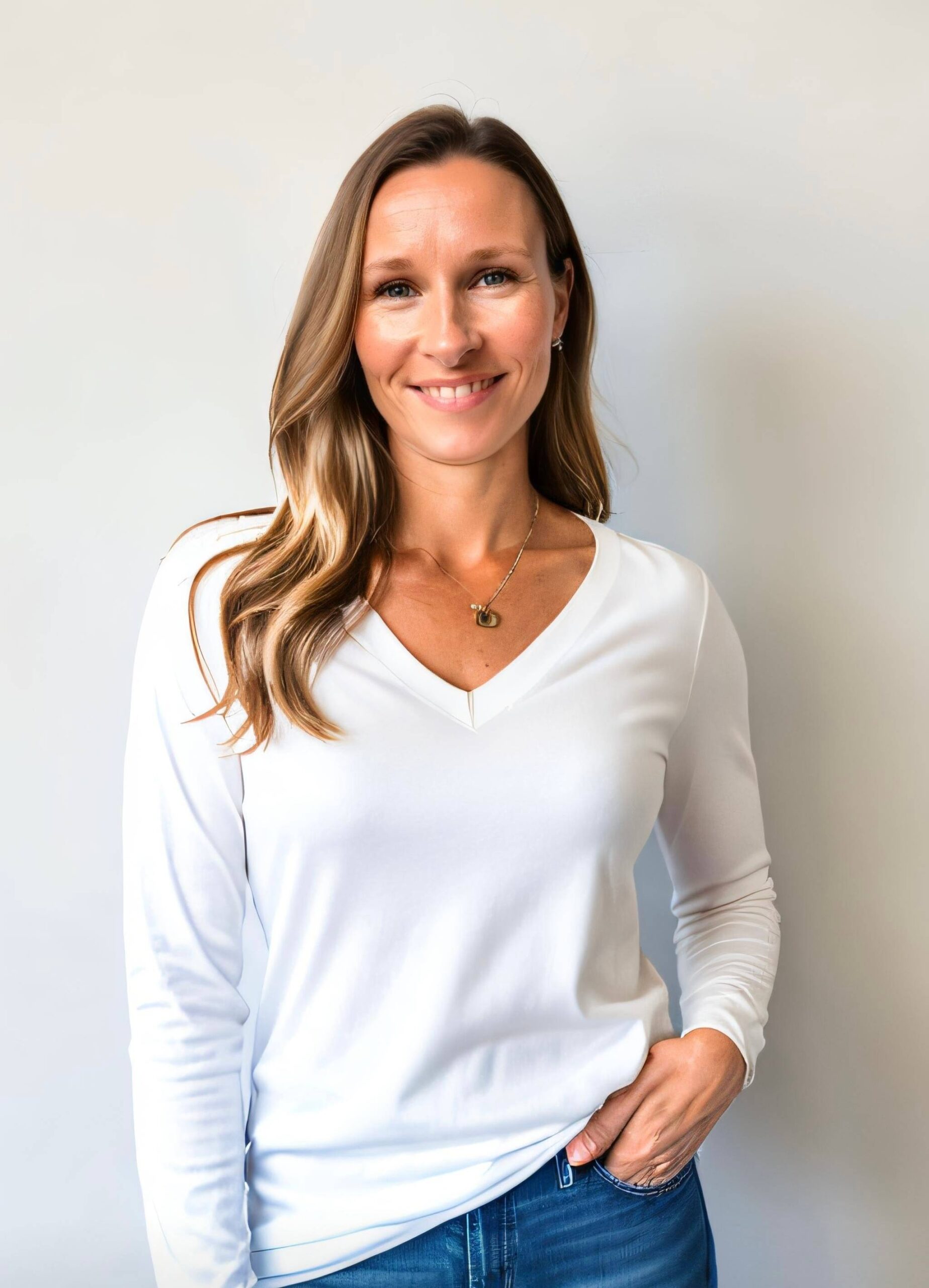
I've spent 10+ years figuring out Pinterest so you don't have to.
Back when I was a single mom with 2 little kids, Pinterest sent people to a free 10-day email course I'd written. Over 1,600 people went through it. I sold a $7 ebook version for anyone who didn't want to wait, and the sales came in while I was sitting at my son's soccer games.
That's when it clicked for me. Pinterest could quietly do the work while I lived my life.
Since then I've managed client accounts, built strategies, audited profiles and dug through more analytics than I care to admit. And the biggest thing I've learned? Good Pinterest marketing rarely comes from a checklist. It comes from knowing what to look for, which questions to ask and when to change direction.
That stuff is really hard to fit into a course or a template. So when AI came along, I wondered: what if I could build the way I think about Pinterest into something you could use in your own business? Even if paying a strategist hundreds a month isn't in the budget right now?
That's PinMode. Because you shouldn't have to hire a team to get good help when you're a business of one.
PinMode is my Pinterest brain, packaged so your AI can use it.
Kyla
What happens when your AI knows Pinterest?
"I've tried Pinterest twice before and gave up. Your skill builder changed that. I have pins scheduled for the next 2 weeks and my monthly views jumped from 68 to 431 after just 4 pins. Can you tell I'm excited?!"
Toki · Pinterest Skill Builder customer"Super helpful. Got set up, tweaked my boards, and now have a 60-day plan moving forward. I much prefer one conversation with all the skills in Claude over jumping between different tools."
Cindy · Pinterest Skill Builder customer"Each assistant feels like having a personal Pinterest expert right at your fingertips. Just give it a little info about your business and your tone of voice and your branding, and you have a done-for-you Pinterest strategy, or a whole month worth of content ready to go."
Verena Freit, All About Glück · The Pin Coach customer"I love that I can simply plug in my keywords and URL, and it instantly gives me five click-worthy pin titles and descriptions that are ready to use... it also suggests which boards to pin them to."
Kelli, KH Digital Designs Co. · The Pin Coach customer"Whoa, Kyla… Ok, so I've slept many moons before actually jumping into this. Partly because I didn't have the "business" figured out (excuses, excuses). But I just jumped in to The Pin Coach this morning… AND… I'm so freaking amazed and beyond grateful! I've already got my profile set up, aligned with my goals & ideal listeners/customers, my main boards are up & seo optimized, and I've curated my initial batch of aligned pins. In only a few hours. Now I'm actually ready to start pinning my own awesome pins with zero overwhelm for "but where do I start?". I don't remember how much I paid for this but I'm grateful to past-me for buying it & to you for creating it! Thank you!!!!"
Kourtney T. · The Pin Coach customerPinMode grew out of the Pinterest Skill Builder and The Pin Coach.
PinMode is for business owners who want Pinterest to actually pay off.
- ✓You know Pinterest could do more for your business, but you're not sure how to get it there.
- ✓You're tired of researching for hours and second-guessing every decision.
- ✓You already use AI and want more from it than generic marketing copy.
- ✓You're pinning consistently but can't tell what's working (or why).
- ✓You'd love expert help but monthly strategy fees aren't in the budget.
- ✓You want Pinterest connected to your offers, your list and your bigger goals.
You don't need to know everything about Pinterest. You don't need to be an AI whiz. And you don't need thousands of visitors to start.
You do need to share your info, show up for your hour and act on what it tells you.
You stay in the driver's seat. PinMode just helps you make better calls and stop figuring it all out alone.
From checkout to your first plan.
There's no new platform to learn, and you can keep what's already working.
Customize your skills
Answer questions about your business in the Skill File Builder. It writes your answers into all 10 skills.
Add them to your AI
Follow the step-by-step setup guide for Claude, ChatGPT or Gemini.
Meet your Strategy Assistant
It tells you where to start and what deserves your attention first.
Make it a habit
Show up for your 1-hour week, use the skills as you need them and keep tweaking as you learn.
Come meet my Pinterest VA.
Join PinMode before Friday, Nov 20 at 9:30am ET and you're invited to a live session on Thursday, December 3, where I show you the automated pinning system I built in ChatGPT. Replay included.
Every week, it pulls my URLs, writes my pin copy, designs my pins, picks my boards and drops everything into my Tailwind drafts. All I do is review and hit schedule.
I'll walk you through how I built it, then help you figure out your own version. Maybe yours sends pins straight to your scheduler. Maybe it builds a spreadsheet you work from each week. Your setup, your call.
Already bought PinMode? You're in. Watch your inbox for the invite.
Get PinMode + the VA session →
Ready to stop second-guessing your Pinterest?
You could keep stitching together advice from YouTube and random AI chats. Or you could plug 10+ years of Pinterest experience into your business today, for one payment.
10+ years of Pinterest know-how, in one connected system
- ✓Pinterest Account Context
- ✓Profile Auditor, Board Builder & Keyword Analyzer
- ✓Content Angle Generator, Pin Title Writer & Pin Description Writer
- ✓Funnel Builder & Data Analyst
- ✓Pinterest Strategy Assistant
- ✓The Skill File Builder + setup guides for Claude, ChatGPT & Gemini
- ✓Your guided 1-hour weekly workflow
- ✓Bonus: 60+ ready-to-use prompts for your PinMode skills
- ✓Every future PinMode update
Live Pinterest VA session Thursday, Dec 3, replay included. Join before Friday, Nov 20 at 9:30am ET.
One-time payment · Payment plans available
No monthly PinMode fee, and it works with free AI plans.
Enrollment closes Monday, Nov 23 at 11:59pm ET and won't reopen until early 2027.
Things you might be wondering
What exactly is an AI skill?
It's a set of instructions that teaches your AI how to do a specific job, so you don't have to explain it from scratch every time.
PinMode's skills are built on how I actually work Pinterest. So your AI approaches it the way I would.
Couldn't I just ask Claude or ChatGPT to analyze my Pinterest?
Sure, you could. AI is great at crunching data.
What PinMode adds is everything I've learned in 10 years of doing this for clients: what to look for, which questions to ask, what actually matters and how to turn it into decisions for your business. You could build all of that yourself. Or you could use mine.
Which AI tools does PinMode work with?
Claude, ChatGPT and Gemini, and free plans work. You don't need a paid AI subscription to get started.
How hard is it to set up?
You don't need to be techy. You answer questions about your business in the Skill File Builder, and it customizes your skills for you. Then you follow the step-by-step guide for your AI tool.
If you can chat with an AI, you can use PinMode.
Each skill finishes with a short PinMode Notes summary. Save it to your PinMode Notes file (or keep working in the same chat), and the next skill picks up right where the last one left off.
Will it work for me?
PinMode works from your business and your account, so it fits whatever you do: blogging, digital products, courses, coaching or services.
And you don't need Pinterest experience. Newer to it? It helps you set things up right from the start. Been pinning for years? It helps you find what you've been missing.
Does PinMode design or schedule my pins?
Nope. PinMode handles the strategy side: your account, keywords, content angles, pin copy, funnels and numbers. It helps you decide what to make and why. For the pin images themselves, check out my AI Pin Creation System.
Join before Friday at 9:30am ET and the live Pinterest VA session shows you how I built my own automated pinning setup in ChatGPT.
Is it a subscription? Are updates included?
It's a one-time payment of $127 (payment plans available), and every future PinMode update is included. Free AI plans work, so there's nothing else to pay for.
When does enrollment close?
Monday, November 23 at 11:59pm ET. After that I'm closing the doors to gather feedback and make PinMode even better. I'm not planning to reopen until February or March 2027.
I already bought a Pinterest product from you. What do I do?
Pinterest Skill Builder: you get PinMode free. Rerun the new builder on your same access page to update your skill files.
The Pin Coach: you get PinMode too. Got The Pin Coach free in a bundle? You can upgrade to PinMode for $37.
What's your refund policy?
Because you get instant access to every skill file, all sales are final and there are no refunds. If you're on the fence, email me before you buy. I'm happy to help you figure out if PinMode's a fit.
You've got a business to grow.
You don't have to figure Pinterest out alone.
Make better calls, spend less time second-guessing and let 10+ years of Pinterest experience do some of the heavy lifting.
Doors close Monday, Nov 23 at 11:59pm ET