Set up a Pinterest profile that brings you traffic while you sleep.
Get your profile, boards, and keywords right one time, and your pins keep showing up in search for months. Each lesson is about 20 minutes, so you can finish today and start setting things up tonight.
Brand new to Pinterest? You'll build it right from day one. Got an account that's just sitting there? You'll fix it this afternoon.
One-time payment. Lifetime access + every future update.
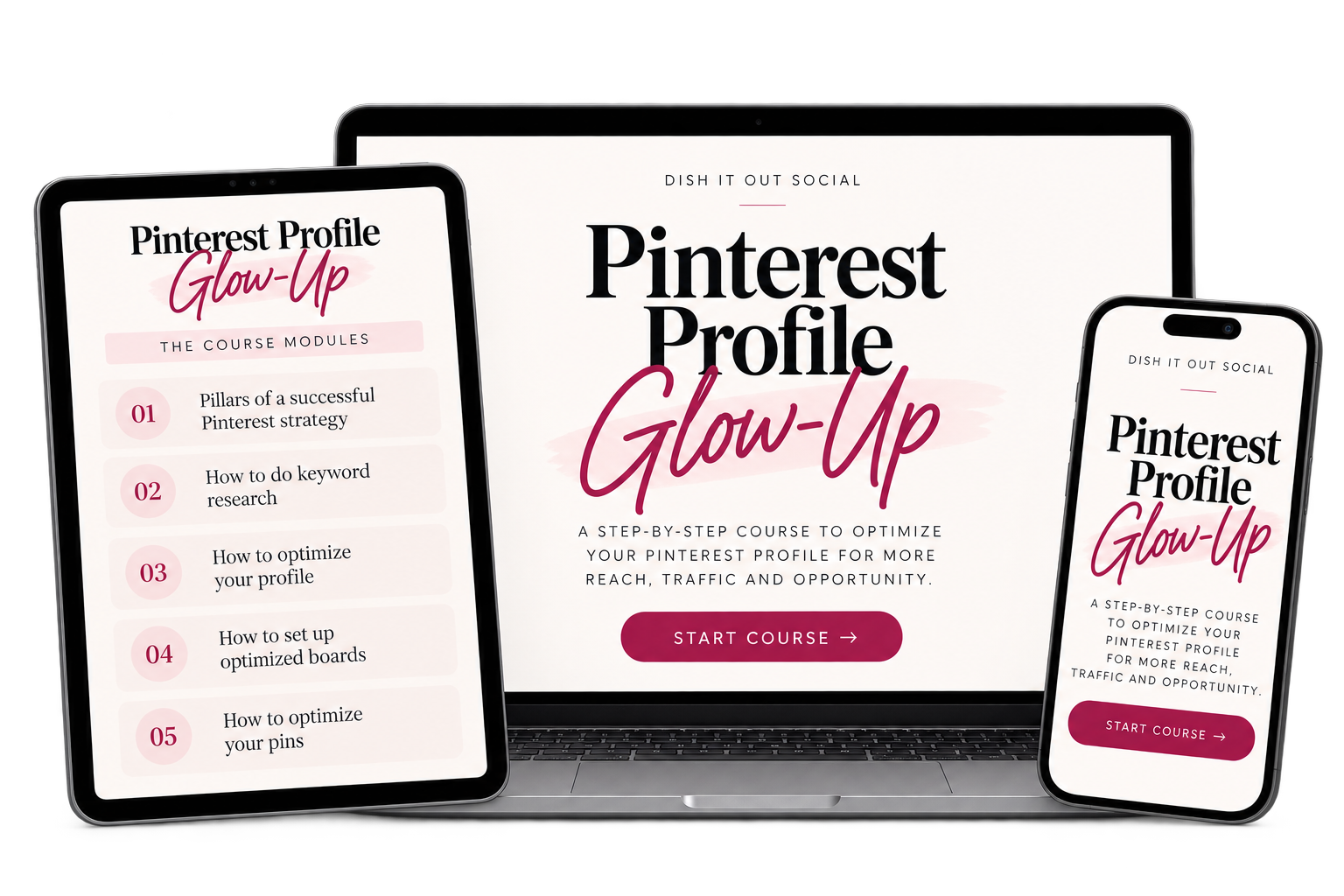
~20 min a lesson.
pinky promise.
You've been meaning to start Pinterest for a while now.
You saved the blog posts. You watched a couple of YouTube videos. Then you opened Pinterest, stared at that blank profile, and closed the tab.
Totally fair. A lot of Pinterest advice assumes you've got hours a day to pin. You don't. And you don't have to.
Pinterest rewards a good setup. When your profile, boards, and keywords are right, your pins keep getting found long after you post them. Sometimes for years.
A Pinterest presence that does the work for you
A profile that tells Pinterest who you are
Your name, bio, and links set up so Pinterest knows what you're about and who to show you to.
Boards built for search
Organized, titled, and described the way people actually search, so your pins land in front of the right eyes.
A keyword plan you can repeat
Find the words your people are typing into Pinterest, and use them the same way every time you pin.
Pins that show up in search
Titles, descriptions, and keywords set up so every pin has a real shot at getting found, plus AI to write the copy in minutes.
What happens when the setup is right
"Do it! You won't be disappointed. I have learned so much from this awesome course on how to do in-depth keyword research and optimize my profile and pins."
Virtual assistant
"I used to feel lost when it came to Pinterest. Now I finally have a profile that attracts the right audience, and I'm seeing real results."
Health coach & podcaster
"I had no idea my profile was holding me back. After making the recommended changes, my monthly views started increasing right away."
Digital product creator
"My pins went from invisible to ranking on page one for my top keywords! My followers have started increasing too."
Blogger

Boards that actually get found in search
This is the kind of board setup you'll build. Clear titles, keyword-rich descriptions, and boards Pinterest can sort without guessing.
Get this part right and Pinterest starts suggesting your boards next to related searches. That's how a brand new account gets seen.
you'll build yours
step by step.
You're ready to give Pinterest a real shot
- ✓You've been putting Pinterest off and want a day-one roadmap.
- ✓You're a busy blogger or business owner who wants traffic without Pinterest eating your week.
- ✓You sell coaching or digital products and want an audience that keeps finding you after you post.
- ✓You run an Etsy shop and want organic eyes on your listings, no ads.
- ✓You're not techy and want steps that assume you know nothing yet.
- ×You want advanced Pinterest ads training.
- ×You'd rather hire someone to do it for you.
- ×You're hoping to go viral overnight. Pinterest is a slow burn (that's the good part).
Five lessons. One afternoon.
Each video runs about 20 minutes. Watch one, do the thing, move on. Most people finish and start setting up the same day.
Pillars of a successful Pinterest strategy
How Pinterest actually works as a search engine, and the few things that matter most when you're starting out.
How to do keyword research
Find the exact words your people type into Pinterest, and build a keyword list you'll use every time you pin.
How to optimize your profile
Your display name, bio, and links, written so Pinterest and humans both get what you do in about 2 seconds.
How to set up optimized boards
Which boards to make, what to call them, and how to describe them so they show up in search.
How to optimize your pins
Write pin titles and descriptions that rank, and put your keywords in the right spots. Then I'll show you how to use AI tools like ChatGPT to write that pin copy in minutes, starting from the very basics.
Plus 4 bonuses to keep you going
12-Month Pin Planner
Plan ahead, track seasonal trends, and always know what to pin next.
4 Profile Banner Templates
Customizable Canva templates. Brand them to match your business in minutes.
Board Optimization Checklist
A step-by-step checklist so you don't miss anything when setting up your boards.
PinCopy AI Assistant
Creates search-friendly pin copy that helps your pins get seen and clicked.
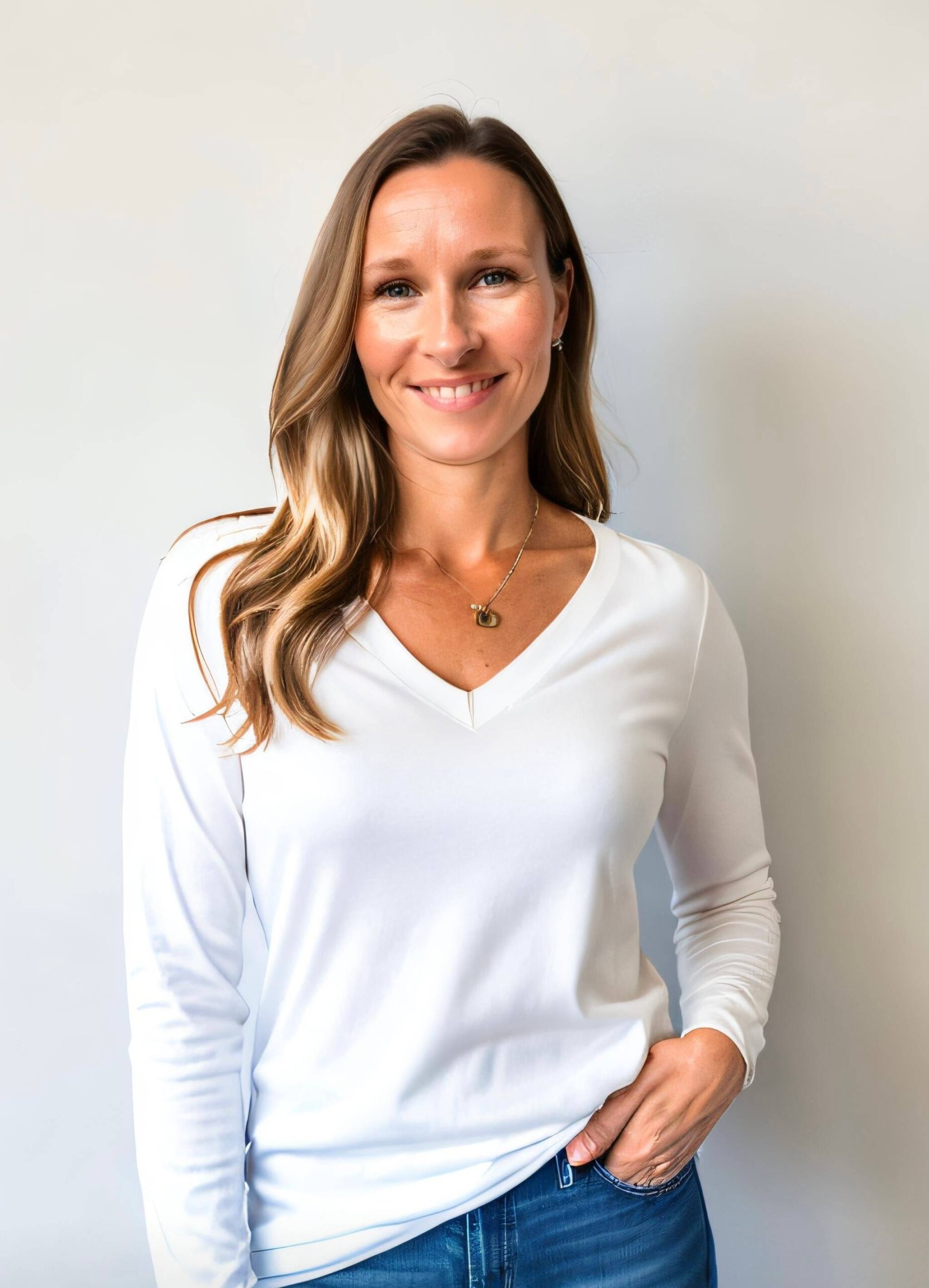
Hi, I'm Kyla
I'm a single mom and Pinterest strategist, and I help creators ditch the social media hustle.
I've been on Pinterest for 10+ years and I've helped hundreds of business owners set it up the right way. I built this course because I wish it existed when I was starting out.
My whole approach is low effort, long payoff. Do the setup well, then let Pinterest do its thing.
Ready to glow up your Pinterest?
- ✓All 5 lessons, instant access
- ✓~20-minute video lessons, closed-captioned
- ✓Lifetime access + every future update
- ✓12-Month Pin Planner
- ✓4 Canva profile banner templates
- ✓Board Optimization Checklist
- ✓PinCopy AI Assistant
$97
One-time payment
Instant access. Because it's a digital course, all sales are final.
Not sure it's right for you? Ask me first, I'll tell you honestly.
The stuff you're probably wondering
Do I need an account already?
We start from scratch. And if you've got an old account collecting dust, you'll fix it as you go.
I'm a total beginner.
No Pinterest, tech, or marketing experience needed. Every step is in order, so you always know what's next.
How long will this take?
Most people finish the course and start setting things up the same day.
I've never used AI.
Lesson 5 starts at the very beginning and walks you through using AI (ChatGPT included) for your pin copy. The PinCopy AI Assistant bonus makes it even quicker.
How long do I get access?
Lifetime access, plus every update I make when Pinterest changes things.
Can I get a refund?
It's a digital course, so I can't take it back once you've seen it. If you're on the fence, message me first. I'd rather you buy it knowing it's a fit.
Dish It Out Social
Stop putting Pinterest off. Today's your day one.
I know how it goes. Pinterest sits on your to-do list for months because it feels like one more thing to figure out.
This course makes it one afternoon. Set it up right once, and it keeps sending people your way while you get on with your life.
xx Kyla